
Menu
EUR
Bespaar uren per week met Microsoft Copilot. Bekijk onze nieuwe AI-trainingen. Direct starten
Adobe Adobe After Effects CC 2021 Course E-Learning
€180,29 €149,00
In shopping cart
Adobe Adobe After Effects CC 2021 Course E-Learning
Adobe
(0)
Adobe Adobe After Effects CC 2021 Course E-Learning

Adobe Adobe After Effects CC 2021 Course E-Learning

€180,29 €149,00 Incl. tax Excl. tax
In stock

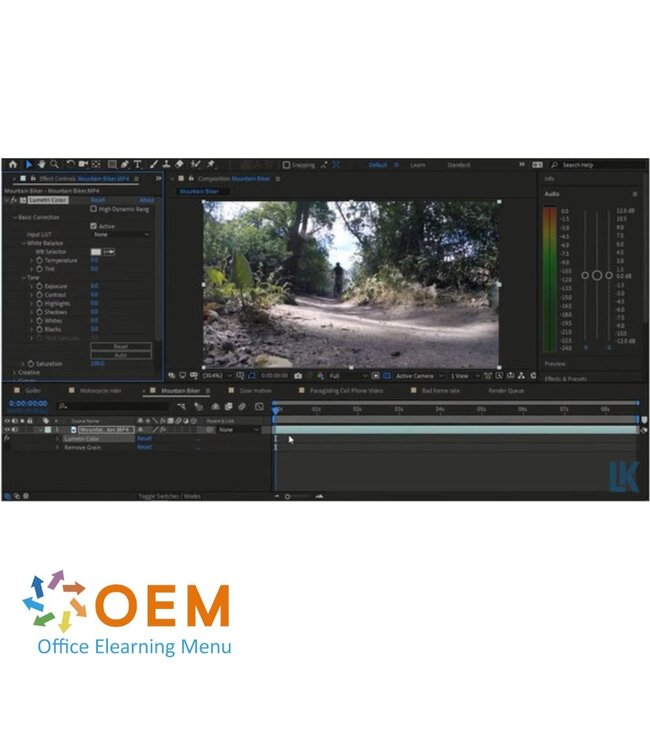
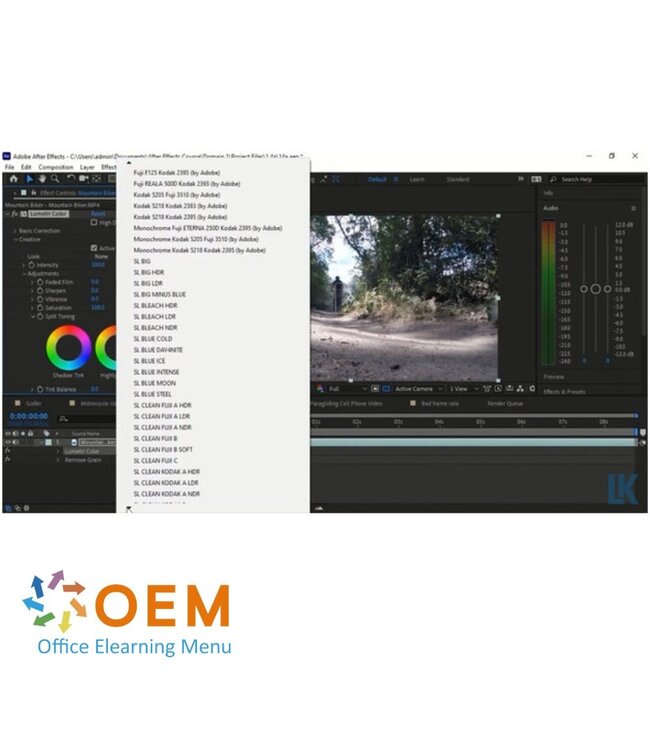
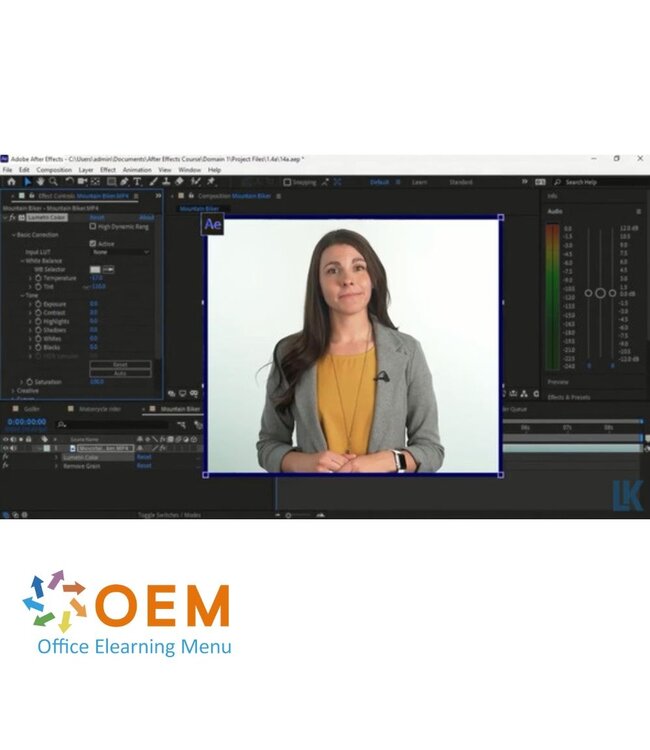
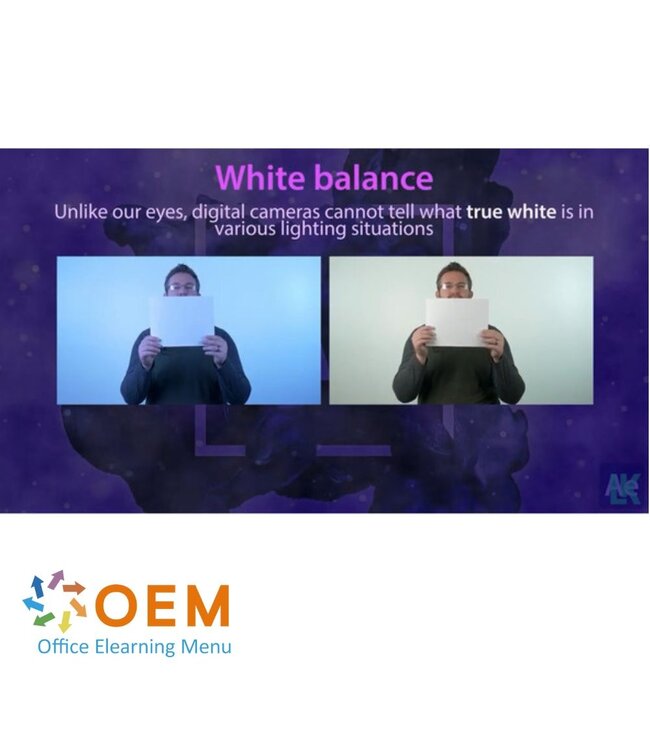
Learn to work with Adobe After Effects CC 2021 with this e-learning from OEM. 365 days access, including practical exercises. Take your creative skills to the next level. Read more.

Bulk discount
No discount
1 Piece
€180,29 €149,00
13% Discount
5 Pieces
€157,30 €130,00 / Piece
19% Discount
11 Pieces
€145,20 €120,00 / Piece
26% Discount
31 Pieces
€133,10 €110,00 / Piece
33% Discount
61 Pieces
€121,00 €100,00 / Piece
40% Discount
101 Pieces
€108,90 €90,00 / Piece
Make a choice
Adobe After Effects CC 2021 Course E-Learning
139438011.0
In stock
139438011.0
€180,29 €149,00
  • Officieel erkend testcentrum
    Online of fysiek examen afnemen
  • Bekroonde e-learning
    Inclusief proefexamens en 24/7 begeleiding
  • ISO 9001 & 27001 werkwijze
    2.500+ organisaties gingen u voor
  • Maatwerk & gratis nulmeting
    Altijd op het juiste niveau gestart

Product description

Adobe After Effects CC 2021 Course E-Learning

Order this powerful Adobe After Effects CC 2021 E-Learning course online and get 1 full year of 24/7 access to rich interactive videos, voice-guided instruction, practical assignments, subject-based tests, and detailed progress tracking. Upon completion, you will receive a certificate of participation.

This course guides you through the essentials of working in the visual effects and motion graphics industry — from setting up and organizing projects, customizing the interface, structuring video assets, creating and animating visual elements, to exporting final compositions in various digital formats.

The course not only prepares you for the Adobe Certified Professional (ACP) certification, but also gives you a competitive edge when pursuing your dream job in creative industries.

Why Choose This Training?

  • Step-by-step learning in Adobe After Effects CC 2021
  • 1-year full access to professional e-learning materials
  • Interactive videos, quizzes, and hands-on assignments
  • Certificate of participation upon completion
  • Excellent preparation for Adobe certification and career advancement

Who Should Attend?

  • Motion graphic artists, video editors, and animators
  • Content creators and multimedia professionals
  • Students and educators in film, design, or digital media
  • Anyone looking to master visual effects and animation for digital content

Course content

Domain 1: Working in the Visual Effects and Motion Graphics Industry
Course: 1h 22m 41s

  • Domain 1 Pre-Assessment
  • Workbook and Support Files

Lesson 1 - Purpose, Audience, and Communication

  • Introduction
  • How to Study for This Exam
  • Tour of Adobe After Effects
  • Content and Its Relevance
  • Video Requirements for Distribution
  • Communication Techniques
  • Basic Project Management Concepts
  • Domain 1 Lesson 1 Labs
  • Domain 1 Lesson 1 Workbook Projects

Lesson 2 - Copyright, Permissions, and Licensing; Video Production Principles

  • Legal and Ethical Considerations
  • Obtain Permissions to Use Content
  • Location Permits
  • Digital Video Terminology
  • Color Management Concepts
  • Post-Production Concepts
  • Domain 1 Lesson 2 Labs
  • Domain 1 Lesson 2 Workbook Projects

Lesson 3 - Visual Effects and Design Principles

  • Animation Principles
  • Compositing Techniques
  • Common Cinematic Terms
  • Design Principles and Guidelines
  • Domain 1 Lesson 3 Labs
  • Domain 1 Lesson 3 Workbook Projects
  • Domain 1 Post-Assessment

Domain 2: Project Setup and Interface
Course: 1h 22m 41s

  • Domain 2 Pre-Assessment

Lesson 1 - Creating a Project

  • Set Appropriate Settings
  • Creating Compositions
  • Domain 2 Lesson 1 Labs
  • Domain 2 Lesson 1 Workbook Projects

Lesson 2 - Organizing and Customizing Workspaces

  • Identifying Interface Elements
  • Commonly Used Panels
  • Customize Workspaces
  • Configure Application Preferences
  • Domain 2 Lesson 2 Labs
  • Domain 2 Lesson 2 Workbook Projects

Lesson 3 - Non-Visible Design Tools

  • Navigate a Composition
  • Add and Use Markers
  • Guides and Grids
  • Domain 2 Lesson 3 Labs
  • Domain 2 Lesson 3 Workbook Projects

Lesson 4 - Import and Manage Assets

  • Import Media
  • Importing Images and the Dynamic Link
  • Compatible Files
  • Manage Assets
  • Create Proxies and Folders
  • Domain 2 Lesson 4 Labs
  • Domain 2 Lesson 4 Workbook Projects
  • Domain 2 Post-Assessment

Domain 3: Organizing Projects
Course: 1h 26m 19s

  • Domain 3 Pre-Assessment

Lesson 1 - Use the Timeline Panel

  • Recognize Types of Layers
  • Manage Layers in the Timeline Panel
  • Add Layers and Labels
  • Pre-Composing
  • Domain 3 Lesson 1 Labs
  • Domain 3 Lesson 1 Workbook Projects

Lesson 2 - Manage Layers

  • Render Order
  • Null Objects, Parenting
  • Audio Synchronization
  • Domain 3 Lesson 2 Labs
  • Domain 3 Lesson 2 Workbook Projects

Lesson 3 - Modify Layer Visibility

  • Adjust Layer Visibility
  • Blending Modes
  • Mattes and Stencils
  • Masks
  • Domain 3 Lesson 3 Labs
  • Domain 3 Lesson 3 Workbook Projects
  • Domain 3 Post-Assessment

Domain 4: Creating and Modifying Visual Elements
Course: 4h 14m 50s

  • Domain 4 Pre-Assessment

Lesson 1 - Use Core Tools to Create Content

  • Shape Layers
  • Shape Attributes
  • Practical Use of Shapes
  • The Pen Tool
  • Shapes from Vector Layers and Solids
  • Solids
  • Place Assets in a Composition
  • Temporal and Spatial Position
  • Domain 4 Lesson 1 Labs
  • Domain 4 Lesson 1 Workbook Projects

Lesson 2 - Add and Animate Text

  • Create Text in a Composition
  • Path Text
  • Add Fonts from Adobe CC
  • Character Settings
  • Paragraph Settings
  • Text Animation Presets
  • Custom Text Animations
  • Domain 4 Lesson 2 Labs
  • Domain 4 Lesson 2 Workbook Projects

Lesson 3 - Adjust Footage in Compositions

  • Trim Layers Inside a Composition
  • Trim Footage in the Footage Panel
  • Adjust Trim with the Work Area Bar
  • Pan Behind Tool
  • Domain 4 Lesson 3 Labs
  • Domain 4 Lesson 3 Workbook Projects

Lesson 4 - Modify and Manipulate Digital Video

  • Fit To and Transform Properties
  • Video Layer Speed and Direction
  • Time Remapping
  • Auto-Correction Tools
  • Modify and Edit Vector Graphics
  • Domain 4 Lesson 4 Labs
  • Domain 4 Lesson 4 Workbook Projects

Lesson 5 - Apply and Adjust Effects

  • Apply and Adjust Effects
  • 3D Spaces
  • Add Lights to a Composition
  • Creating Camera Layers
  • Adjusting Cameras in the Timeline
  • Domain 4 Lesson 5 Labs
  • Domain 4 Lesson 5 Workbook Projects

Lesson 6 - Create Composites

  • 3D Composites
  • Motion Tracking
  • Composite with Masks
  • Composite with Mattes
  • Chroma Key Composites
  • Domain 4 Lesson 6 Labs
  • Domain 4 Lesson 6 Workbook Projects

Lesson 7 - Apply and Modify Effects and Presets

  • The Puppet Tool
  • Apply Effects on Multiple Layers
  • Animation Presets
  • Domain 4 Lesson 7 Labs
  • Domain 4 Lesson 7 Workbook Projects

Lesson 8 - Create and Modify Keyframes

  • Adjust Transformations
  • Keyframes and Temporal Interpolation
  • Graph Editor
  • Animate Effects with Keyframes
  • Domain 4 Lesson 8 Labs
  • Domain 4 Lesson 8 Workbook Projects
  • Domain 4 Post-Assessment

Domain 5: Publishing Digital Media
Course: 1h 11m 4s

  • Domain 5 Pre-Assessment

Lesson 1 - Prepare Compositions for Publishing

  • Clone Stamp and Brush Tools
  • Rounding Out the Toolbelt
  • Check a Comp for Errors
  • Archive a Project
  • Domain 5 Lesson 1 Labs
  • Domain 5 Lesson 1 Workbook Projects

Lesson 2 - Export a Project

  • Save a Project
  • Export Frames
  • Export Comps with the Render Queue
  • Export with Adobe Media Encoder
  • Conclusion
  • Domain 5 Lesson 2 Labs
  • Domain 5 Lesson 2 Workbook Projects
  • Domain 5 Post-Assessment

Specifications

Article number
139438011.0
SKU
139438011.0
Lesson duration
9:56 hours
Language
English
Certificate of participation
Online access
365 days
Progress monitoring
Award Winning E-learning
Suitable for mobile
Purchase
One-time fee

Reviews

0/5
0 stars based on 0 reviews
0 reviews
Vragen over dit product?
Heeft u vragen over dit product of hulp nodig bij het bestellen? Onze AI-chatbot is 24/7 beschikbaar, of neem contact op via [email protected] of bel +31 36 760 1019
Vragen over dit product?
Heeft u vragen over dit product of hulp nodig bij het bestellen? Onze AI-chatbot is 24/7 beschikbaar, of neem contact op via [email protected] of bel +31 36 760 1019

Recently viewed

Online 24/7
Adobe Adobe After Effects CC 2021 Course E-Learning
Adobe
Adobe After Effects CC 2021 Course E-Learning
Learn to work with Adobe After Effects CC 2021 with this e-learning from OEM. 36...
€180,29 €149,00

Specifications

Article number
139438011.0
SKU
139438011.0
Lesson duration
9:56 hours
Language
English
Certificate of participation
Online access
365 days
Progress monitoring
Award Winning E-learning
Suitable for mobile
Purchase
One-time fee
0/5
0 stars based on 0 reviews
0 reviews
Choose your language
Choose your currency

Recently added

Total excl. VAT
€0,00
Order for another €0,00 and receive free shipping
0
Compare
Start comparison

Review Adobe Adobe After Effects CC 2021 Course E-Learning

This product has been added to your cart
Wij gebruiken functionele en analytische cookies (Google Analytics). Geen persoonsgegevens voor advertenties. Kies hieronder of beheer uw voorkeuren. Manage cookies