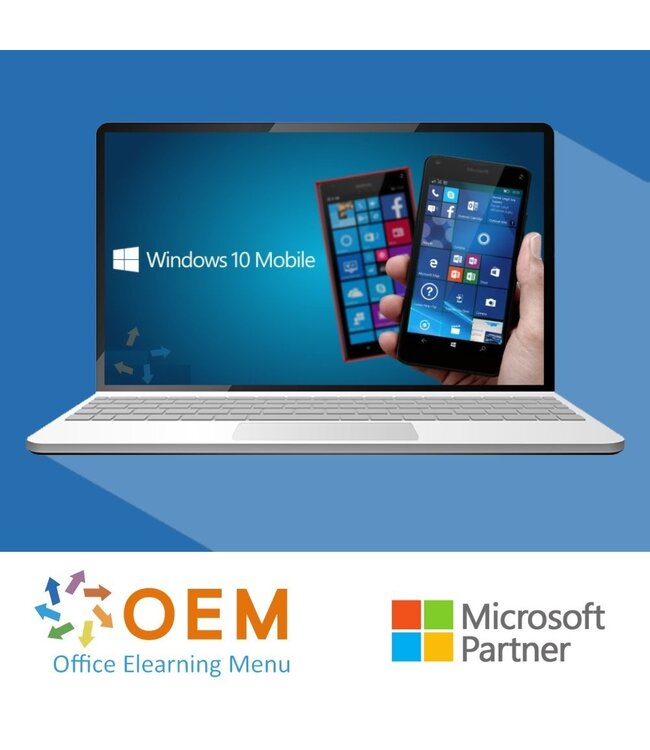
Microsoft Microsoft Windows 10 Mobile Cursus E-Learning
€168,19€139,00Incl. btwExcl. btw
Op voorraad
Cursus Microsoft Windows 10 Mobile - Online E-Learning Cursus. Bestellen en direct starten voor de beste prijs.
Lees meer.
Maak een keuze
Officieel erkend testcentrum Online of fysiek examen afnemen
Bekroonde e-learning Inclusief proefexamens en 24/7 begeleiding
ISO 9001 & 27001 werkwijze 2.500+ organisaties gingen u voor
Maatwerk & gratis nulmeting Altijd op het juiste niveau gestart
Productomschrijving
Microsoft Windows 10 Mobile Cursus E-Learning
Bestel deze geweldige Microsoft Windows 10 Mobile E-Learning cursus en krijg 1 jaar lang 24/7 toegang tot interactieve video’s, gesproken instructies, praktijkopdrachten en voortgangsmonitoring via rapportages. Na afronding van de cursus ontvang je een certificaat van deelname.
Met deze cursus leer je optimaal gebruik te maken van Windows 10 Mobile, het mobiele besturingssysteem van Microsoft. Je ontdekt hoe je de interface efficiënt gebruikt, apps beheert, instellingen personaliseert en productief werkt met mobiele Microsoft-diensten. Deze training is ideaal voor zowel zakelijke gebruikers als particulieren die meer uit hun Windows-apparaat willen halen.
Waarom kiezen voor deze opleiding?
Leer stap voor stap werken met Windows 10 Mobile
Inclusief video’s, gesproken uitleg en opdrachten per onderwerp
Volg de cursus in je eigen tempo, waar en wanneer je wilt
1 jaar onbeperkte toegang tot het leerplatform met rapportages
Ontvang een certificaat van deelname na voltooiing
Wie zou moeten deelnemen?
Mobiele gebruikers van Windows 10 die het maximale uit hun toestel willen halen
Zakelijke gebruikers en medewerkers die mobiel willen werken met Microsoft-tools
IT-supportmedewerkers die ondersteuning bieden op Windows 10 Mobile
Iedereen die wil leren navigeren, instellen en werken met dit mobiele platform
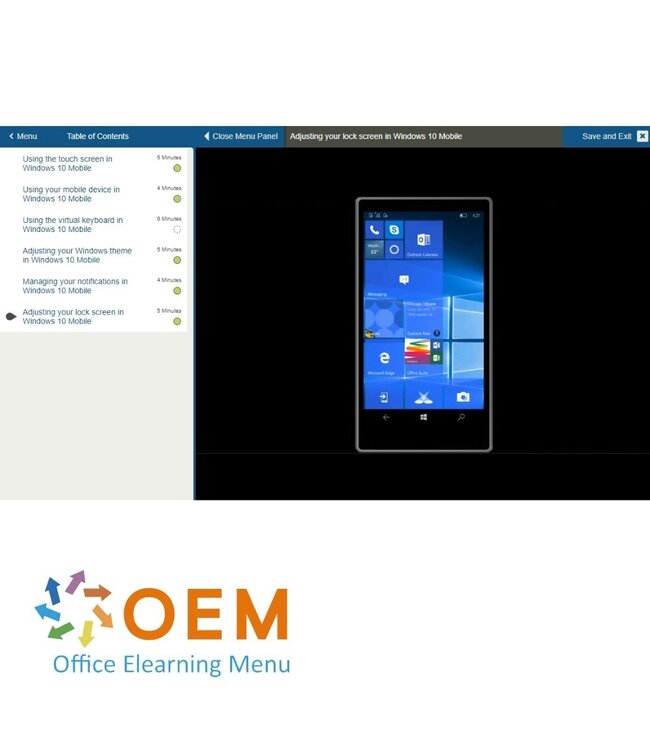
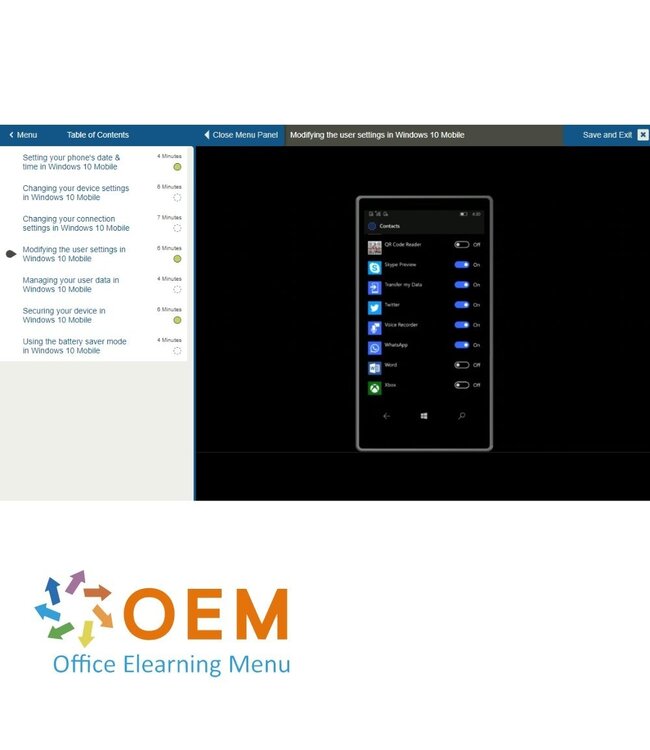
Demo Microsoft Windows 10 Mobile Cursus E-Learning
Cursusinhoud
Microsoft Windows 10 Mobile: Windows Mobile Devices
Course: 29 Minutes
Using the touch screen
Using your mobile device
Using the virtual keyboard
Adjusting your Windows theme
Managing your notifications
Adjusting your lock screen
Microsoft Windows 10 Mobile: Managing Windows Mobile Apps
Course: 22 Minutes
Using the Windows Store
Downloading applications
Managing your applications
Organizing your applications
Microsoft Windows 10 Mobile: Email and Communication Tools
Course: 1 Hour, 7 Minutes
Adding contacts
Managing your contacts
Using your address book
Making a call on your Windows device
Adding an email account
Reading emails
Sending emails
Formatting your emails
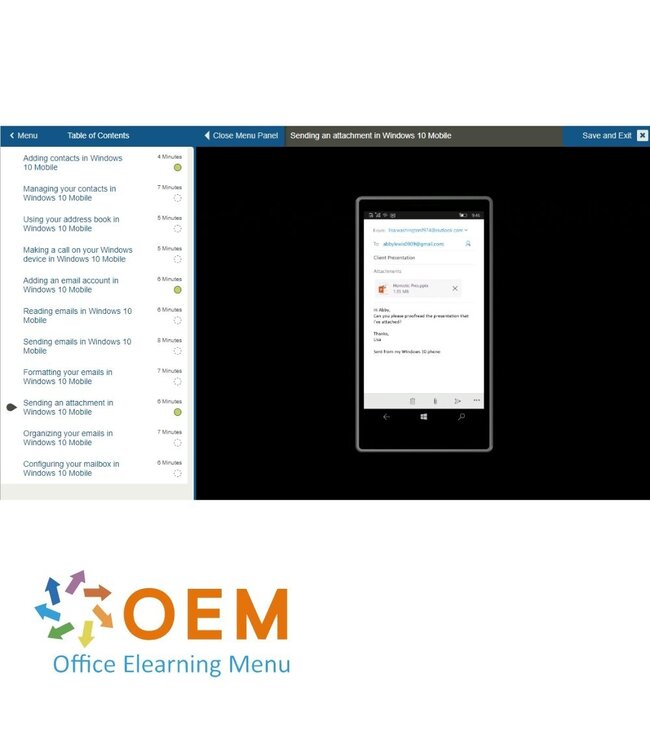
Sending an attachment
Organizing your emails
Configuring your mailbox
Microsoft Windows 10 Mobile: Calendar Tools
Course: 26 Minutes
Using the Calendar application
Adding & editing an event
Setting an alarm
Changing the calendar settings
Microsoft Windows 10 Mobile: Microsoft Edge on Mobile Devices
Course: 29 Minutes
Browsing the web
Using Microsoft Edge
Browsing multiple websites
Saving a website to your Favorites
Saving an online image
Configuring Microsoft Edge
Microsoft Windows 10 Mobile: Camera and Photo Tools
Course: 37 Minutes
Taking a photo
Viewing & organizing your photos
Editing your photos
Sharing & using your photos
Translating text using your camera
Recording a video
Watching videos
Microsoft Windows 10 Mobile: Listening to Music
Course: 22 Minutes
Using the Groove Music app
Listening to music
Creating a playlist
Configuring the Groove Music application
Microsoft Windows 10 Mobile: Getting and Sharing Information
Course: 30 Minutes
Using Cortana
Managing your calendar through Cortana
Performing a search on your phone
Performing a video or audio search
Configuring Cortana
Transferring files between your phone & computer
Microsoft Windows 10 Mobile: The Maps Application
Course: 38 Minutes
Using the Maps application
Getting directions
Saving locations to your favorites
Viewing your maps offline
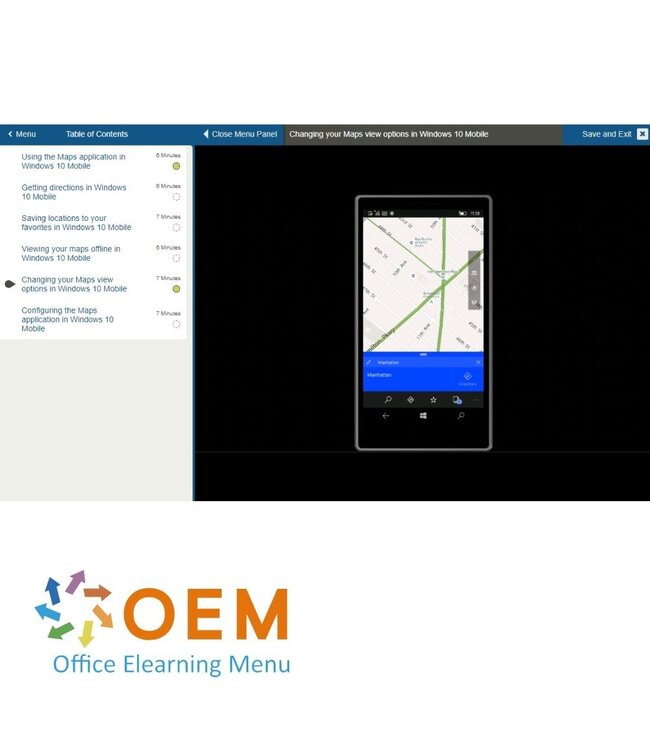
Changing your Maps view options
Configuring the Maps application
Microsoft Windows 10 Mobile: Customizing Windows Mobile Devices
Course: 38 Minutes
Setting your phone's date & time
Changing your device settings
Changing your connection settings
Modifying the user settings
Managing your user data
Securing your device
Using the battery saver mode
Klaar om je Windows 10 Mobile-apparaat optimaal te gebruiken?
✔️ Schrijf je nu in voor de Microsoft Windows 10 Mobile Cursus en begin meteen met het verbeteren van je mobiele ervaring! Klik op "Inschrijven" en start vandaag nog! 100% Veilig – Leer hoe je je Windows 10 Mobile-apparaat effectief en veilig gebruikt!
Heeft u vragen over dit product of hulp nodig bij het bestellen? Onze AI-chatbot is 24/7 beschikbaar, of neem contact op via [email protected] of bel +31 36 760 1019
Gerelateerde ICT Trainingen & Cursussen en Meer
Vragen over dit product?
Heeft u vragen over dit product of hulp nodig bij het bestellen? Onze AI-chatbot is 24/7 beschikbaar, of neem contact op via [email protected] of bel +31 36 760 1019
Wij gebruiken functionele en analytische cookies om onze website goed te laten werken en het gebruik ervan te meten met Google Analytics. Er worden geen persoonsgegevens gedeeld voor advertentiedoeleinden. Meer informatie vindt u in ons privacybeleid. Door op "Accepteren" te klikken geeft u toestemming voor het plaatsen van deze cookies.
Cookies beheren