Menu
EUR
Bespaar uren per week met Microsoft Copilot. Bekijk onze nieuwe AI-trainingen. Direct starten
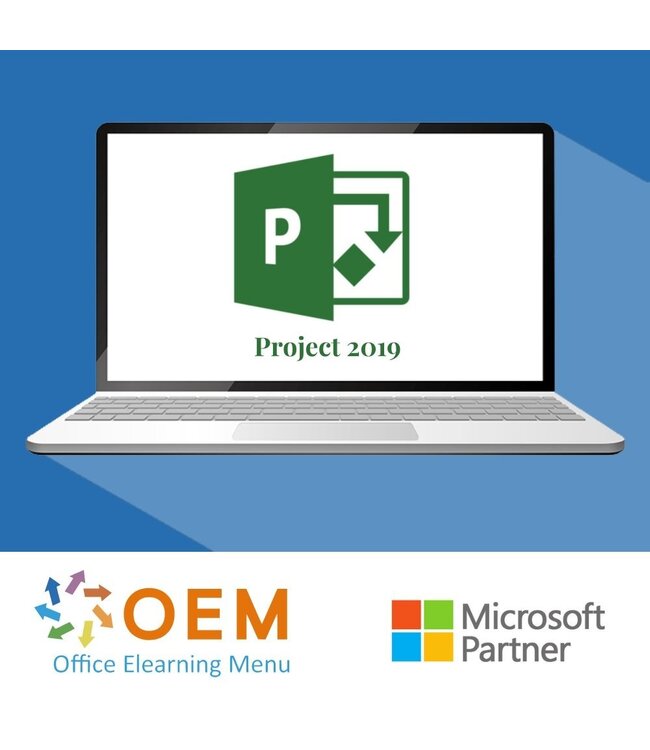
Microsoft Project 2019 Cursus E-Learning
€180,29 €149,00
In winkelwagen
Microsoft Project 2019 Cursus E-Learning
Microsoft
(0)
Microsoft Project 2019 Cursus E-Learning

Microsoft Project 2019 Cursus E-Learning

€180,29 €149,00 Incl. btw Excl. btw
Op voorraad

Project 2019 Basis Bekroonde E-Learning cursus Uitgebreide interactieve video's met gesproken tekst Gecertificeerde docenten Praktische oefeningen Certificaat Lees meer.

Maak een keuze
Project 2019 Cursus E-Learning
104152618
Op voorraad
104152618
€180,29 €149,00
  • Officieel erkend testcentrum
    Online of fysiek examen afnemen
  • Bekroonde e-learning
    Inclusief proefexamens en 24/7 begeleiding
  • ISO 9001 & 27001 werkwijze
    2.500+ organisaties gingen u voor
  • Maatwerk & gratis nulmeting
    Altijd op het juiste niveau gestart

Productomschrijving

Project 2019 Cursus E-Learning

Bestel deze geweldige, bekroonde Microsoft Project 2019 E-Learning cursus online en krijg 1 jaar lang 24/7 toegang tot uitgebreide interactieve video’s, gesproken instructies, praktijkgerichte opdrachten en voortgangsbewaking. Na afloop ontvang je een certificaat van deelname.

Met deze cursus leer je alles wat je nodig hebt om projecten effectief te plannen, uit te voeren en te beheren met Microsoft Project 2019. Of je nu een projectmanager bent of ondersteuning biedt bij projectadministratie, deze training helpt je om efficiënt en professioneel te werken.

Waarom kiezen voor deze opleiding?

  • Volledige online toegang, 1 jaar lang, wanneer en waar jij wilt
  • Praktijkgerichte training met interactieve video’s en hands-on taken
  • Leer werken met Gantt-diagrammen, tijdlijnen, resources en rapportages
  • Inclusief voortgangsmonitoring via rapportages
  • Certificaat van deelname inbegrepen na afronding

Wie zou moeten deelnemen?

  • Projectmanagers en teamleiders
  • Planners en projectondersteuners
  • PMO-medewerkers en professionals in projectgestuurde organisaties
  • Iedereen die wil leren werken met Microsoft Project 2019

Demo Project 2019 Cursus E-Learning

Cursusinhoud

Project 2019: Opening & Navigating the Application

Course: 21 Minutes

  • Finding & opening the application
  • Exploring the interface
  • Using the zoom function
  • Moving between multiple documents
  • Copying & pasting
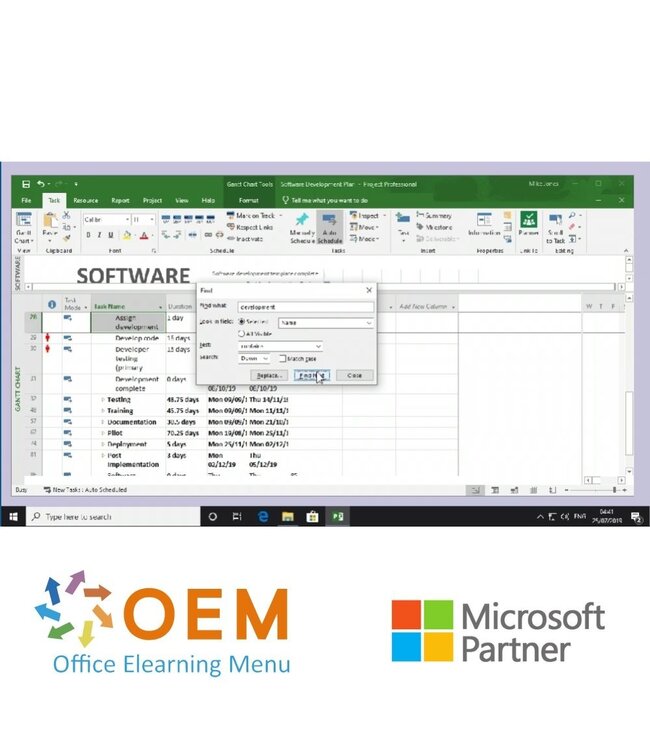
  • Finding & replacing

Project 2019: Setting Up Projects

Course: 21 Minutes

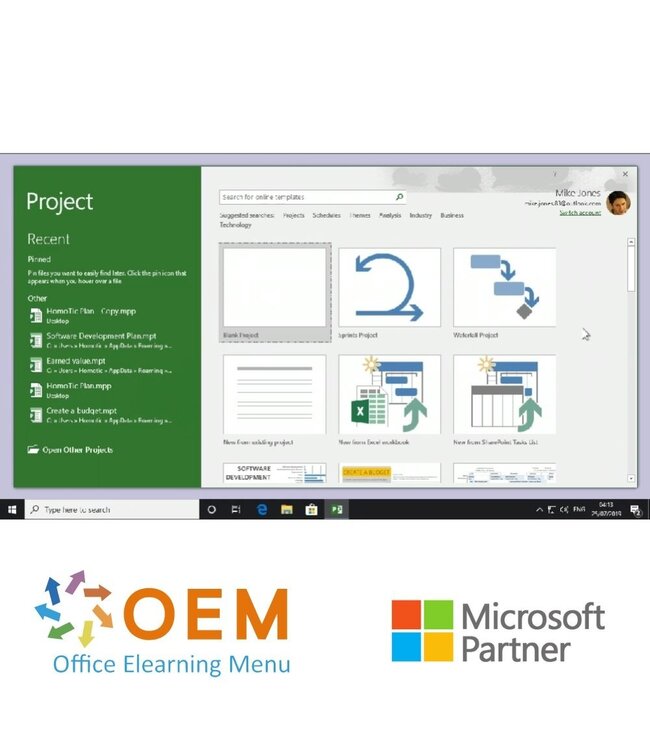
  • Creating a new blank project
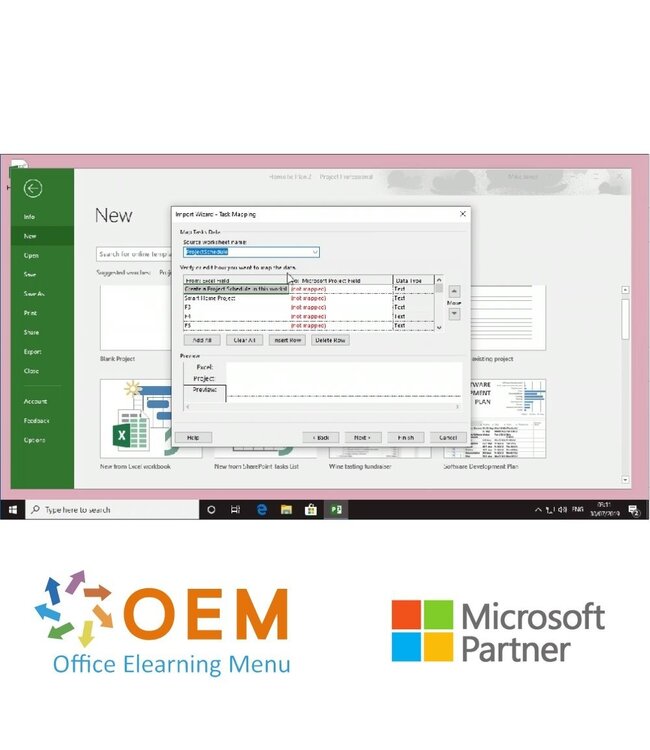
  • Creating a new project from an existing document
  • Using the built-in chart displays
  • Changing display modes
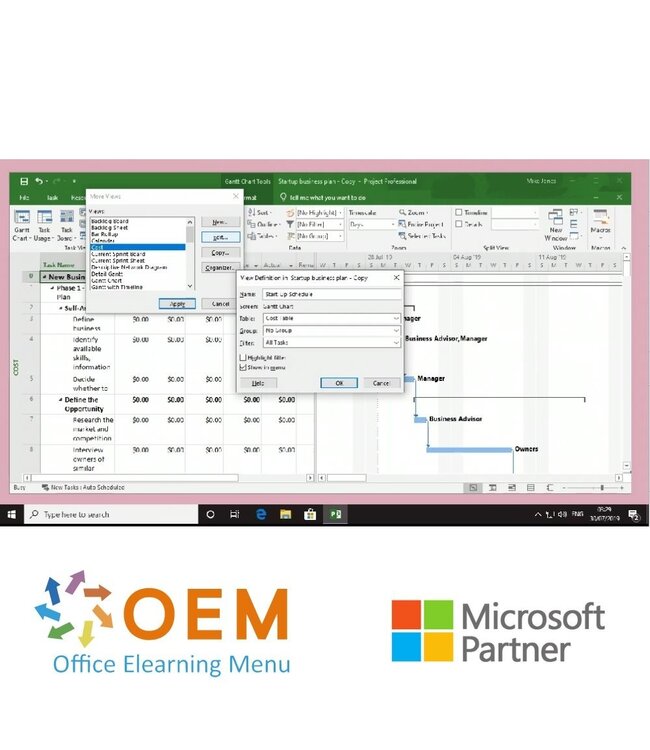
  • Managing your different display modes
  • Using project templates
  • Spell checking your project

Project 2019: Saving & Exporting Projects

Course: 27 Minutes

  • Saving your project
  • Saving a project to OneDrive
  • Exporting your project
  • Viewing & changing properties
  • Modifying your page setup
  • Printing a project
  • Sending a project by email
  • Comparing two projects
  • Reusing your data in multiple projects

Project 2019: Creating & Organizing Tasks.

Course: 31 Minutes

  • Inserting a task
  • Editing a task
  • Inserting a recurring task
  • Linking or splitting tasks
  • Grouping tasks
  • Sorting tasks
  • Filtering tasks
  • Using tables to reorganize your tasks
  • Adding notes to your tasks
  • Highlighting certain tasks

Project 2019: Managing Tasks

Course: 23 Minutes

  • Inserting columns
  • Creating dropdown menus within a column
  • Using formulas to create custom fields
  • Adding Outline Numbers & WBS codes
  • Defining & customizing WBS codes
  • Inserting subprojects
  • Importing tasks from Outlook

Project 2019: Using & Formatting Gantt Charts

Course: 19 Minutes

  • Formatting the text within your table
  • Changing the appearance of your Gantt chart
  • Formatting the bars in your Gantt chart
  • Applying bar styles
  • Displaying progress lines
  • Drawing on your Gantt chart

Project 2019: Tracking Projects

Course: 30 Minutes

  • Using the timeline
  • Adding a baseline to your project
  • Tracking your project progress
  • Tracking critical tasks
  • Analyzing & configuring critical tasks
  • Adding a milestone
  • Using the task indicators
  • Rescheduling your project
  • Changing your scheduling settings
  • Modifying your calendars

Project 2019: Managing Project Resources & Reports

Course: 33 Minutes

  • Adding resources to your project
  • Assigning resources to tasks
  • Using the Resource Graph
  • Pooling your resources
  • Leveling your resources
  • Generating reports from templates
  • Creating a report
  • Inserting text into reports
  • Formatting text in your reports
  • Changing the appearance of your report

Project 2019: Illustrating Projects

Course: 25 Minutes

  • Inserting shapes
  • Moving shapes
  • Changing the appearance of your shapes
  • Applying effects to shapes
  • Inserting images
  • Editing your images
  • Inserting links

Project 2019: Visualizing Data in Charts & Tables

Course: 25 Minutes

  • Inserting a table
  • Editing a table
  • Formatting a table
  • Inserting & editing a chart
  • Adding information to a chart
  • Formatting your chart
  • Creating a PivotTable
  • Creating a custom PivotTable

Project 2019: Using the application with Office 365

Course: 13 Minutes

  • Creating a sprint project
  • Using the sprint management tools
  • Creating a waterfall project
  • Using the agile management tools

Project 2019: Configuring Project

Course: 15 Minutes

  • Changing your document display
  • Customizing the appearance
  • Changing your document save settings
  • Customizing the toolbar
  • Customizing the ribbon

Waarom kiezen voor de Microsoft Project 2019 Cursus?

✔️ Leer hoe je projecten effectief plant, beheert en afrondt.
✔️ Optimaliseer je tijd en middelen met de krachtige functies van Microsoft Project 2019.
✔️ Ontvang een certificaat waarmee je je projectmanagementvaardigheden kunt aantonen.

Start vandaag nog met Microsoft Project 2019!

✔️ Boek je Microsoft Project 2019 Cursus en krijg direct toegang tot alle lessen en oefeningen.
Klik op "Inschrijven" en begin nu met leren.
100% veilig boeken – Vergroot je projectbeheervaardigheden met Microsoft Project 2019!

Specificaties

Artikelnummer
104152618
SKU
104152618

Beoordelingen

0/5
0 sterren op basis van 0 beoordelingen
0 beoordelingen
Vragen over dit product?
Heeft u vragen over dit product of hulp nodig bij het bestellen? Onze AI-chatbot is 24/7 beschikbaar, of neem contact op via [email protected] of bel +31 36 760 1019

Gerelateerde ICT Trainingen & Cursussen en Meer

Vragen over dit product?
Heeft u vragen over dit product of hulp nodig bij het bestellen? Onze AI-chatbot is 24/7 beschikbaar, of neem contact op via [email protected] of bel +31 36 760 1019

Recent bekeken

Online 24/7
Microsoft Project 2019 Cursus E-Learning
Microsoft
Project 2019 Cursus E-Learning
Project 2019 Basis Bekroonde E-Learning cursus Uitgebreide interactieve video's ...
€180,29 €149,00
Online 24/7
Microsoft Microsoft Power BI Training
Microsoft
Microsoft Power BI Training
Bestel deze unieke E-Learning cursus Microsoft Power BI Training online, 1 jaar ...
€180,29 €149,00
Online 24/7
OEM Understanding and Building Bots Training
OEM
Understanding and Building Bots Training
Bestel deze unieke E-Learning cursus Understanding and Building Bots Training on...
€192,39 €159,00
Verouderd
Microsoft Internet Explorer 11 Training
Microsoft
Internet Explorer 11 Training
Training Internet Explorer 11 - Online E-Learning Cursus. Bestellen en direct st...
€156,09 €129,00

Specificaties

Artikelnummer
104152618
SKU
104152618
0/5
0 sterren op basis van 0 beoordelingen
0 beoordelingen
Kies uw taal
Kies uw valuta

Mijn account

Wachtwoord vergeten?

Recent toegevoegd

Totaal excl. btw
€0,00
Bestel nog voor €0,00 en de verzending is gratis
0
Vergelijk
Start vergelijking

Beoordeel Microsoft Project 2019 Cursus E-Learning

Dit artikel is toegevoegd aan uw winkel wagen!
Wij gebruiken functionele en analytische cookies om onze website goed te laten werken en het gebruik ervan te meten met Google Analytics. Er worden geen persoonsgegevens gedeeld voor advertentiedoeleinden. Meer informatie vindt u in ons privacybeleid. Door op "Accepteren" te klikken geeft u toestemming voor het plaatsen van deze cookies. Cookies beheren