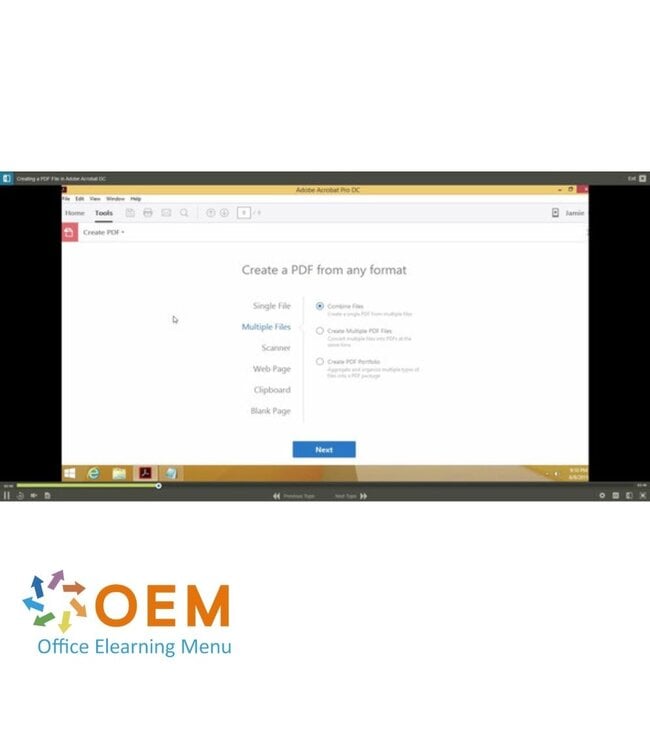
Adobe Acrobat DC E-Learning course - Online E-Learning training. Order and start immediately for the best price.
Read more.
Make a choice
Officieel erkend testcentrum Online of fysiek examen afnemen
Bekroonde e-learning Inclusief proefexamens en 24/7 begeleiding
ISO 9001 & 27001 werkwijze 2.500+ organisaties gingen u voor
Maatwerk & gratis nulmeting Altijd op het juiste niveau gestart
Product description
Adobe Acrobat DC Course E-Learning
Ready to take your PDF skills to the next level? In this Adobe Acrobat DC Course, you'll learn everything you need to work professionally with PDF files — from creating and editing to sharing and securing your documents.
Adobe Acrobat DC is the leading software for working with PDFs, and this e-learning course teaches you how to unlock its powerful features to work more efficiently and securely with your digital documents.
Why Choose This Training?
Master Adobe Acrobat DC for all your PDF needs
Learn to create, edit, sign, and secure PDF files like a pro
1 year of 24/7 access to interactive videos, audio guidance, and practical exercises
Track your progress and receive a certificate of participation
Suitable for both beginners and experienced PDF users
Who Should Attend?
Office staff, administrators, and document controllers
Professionals managing digital documents daily
Students, teachers, and legal professionals handling PDF files for work or study
Anyone looking to improve their PDF workflow with Adobe Acrobat DC
Demo Adobe Acrobat DC Course E-Learning
Course content
Getting Started with Adobe Acrobat DC
Course: 17 Minutes
Course Introduction
Creating a PDF File in Adobe Acrobat DC
Adding Text and Images in Adobe Acrobat DC
Editing Text and Images in Adobe Acrobat DC
Using PDFs
Course: 20 Minutes
Combining Files to Create PDFs in Adobe Acrobat DC
Document Cloud and Creative Cloud in Adobe Acrobat DC
Saving in Different Formats in Adobe Acrobat DC
Exporting in Different Formats in Adobe Acrobat DC
Working with Pages
Course: 14 Minutes
Organizing Pages in Adobe Acrobat DC
Inserting Pages in Adobe Acrobat DC
Creating Headers and Footers in Adobe Acrobat DC
Adding Page Numbers and Dates in Adobe Acrobat DC
Practice: PDFs with Adobe Acrobat DC
Course: 5 Minutes
Exercise: Create a PDF File in Adobe Acrobat DC
Enhancing PDFs
Course: 13 Minutes
Course Introduction
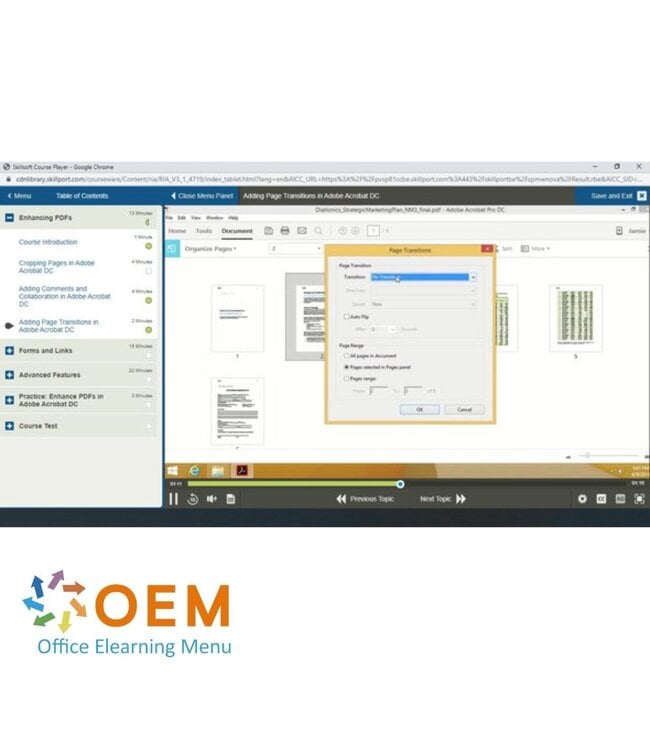
Cropping Pages in Adobe Acrobat DC
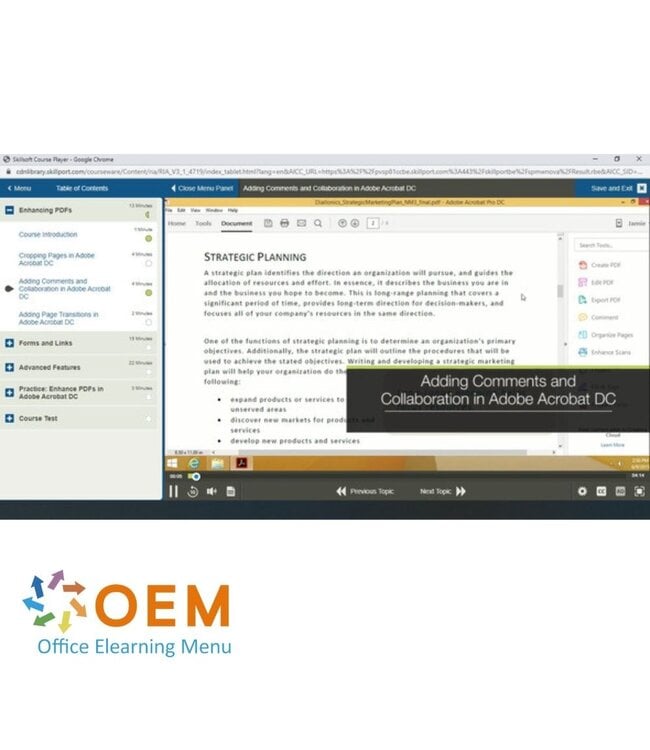
Adding Comments and Collaboration in Adobe Acrobat DC
Heeft u vragen over dit product of hulp nodig bij het bestellen? Onze AI-chatbot is 24/7 beschikbaar, of neem contact op via [email protected] of bel +31 36 760 1019
Related IT Training & Courses and More
Vragen over dit product?
Heeft u vragen over dit product of hulp nodig bij het bestellen? Onze AI-chatbot is 24/7 beschikbaar, of neem contact op via [email protected] of bel +31 36 760 1019
Wij gebruiken functionele en analytische cookies om onze website goed te laten werken en het gebruik ervan te meten met Google Analytics. Er worden geen persoonsgegevens gedeeld voor advertentiedoeleinden. Meer informatie vindt u in ons privacybeleid. Door op "Accepteren" te klikken geeft u toestemming voor het plaatsen van deze cookies.
Manage cookies