
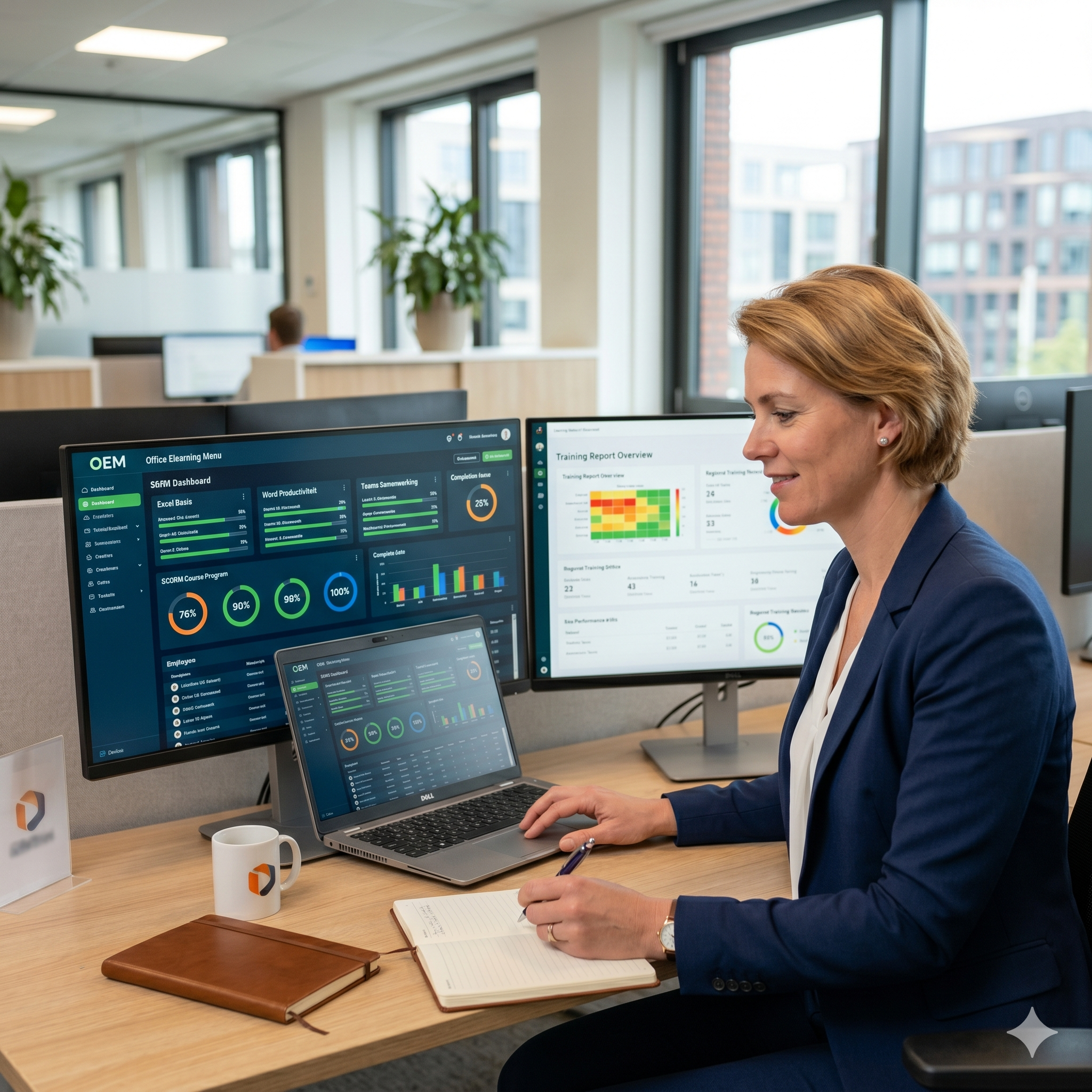
Microsoft Office SCORM e-learning for your LMS
Does your organisation use an LMS such as Moodle, Totara, Cornerstone or SharePoint? OEM's Microsoft Office SCORM e-learning courses are ready to deploy immediately without additional installation or configuration. Fully compatible with SCORM 1.2 and SCORM 2004. Award-winning quality, developed by MOS-certified instructors and always up to date with the latest Microsoft 365 versions.
Why do organisations choose a SCORM subscription?
A growing number of HR, L&D and ICT managers choose a subscription model over a one-time perpetual licence. The main reasons:
- Always up-to-date content: training courses are automatically updated with every Microsoft 365 update, at no extra cost and without manual adjustments in your LMS.
- New modules included: extensions and new applications such as Microsoft Copilot are added to your subscription as soon as they become available.
- Predictable costs: no unexpected investments for updates, version replacements or new content. Your training budget remains manageable.
- Less administration: OEM handles the ongoing development and updating of all modules. You focus on the learning process, we take care of the content.
- Future-proof: your employees always have the knowledge and skills that match the current version of the software your organisation uses.
Want to know the difference between a subscription and a perpetual licence, and which option best suits your organisation? Read the answer in our FAQ about SCORM e-learning.
What is SCORM?
SCORM (Shareable Content Object Reference Model) is the international standard for e-learning modules within a Learning Management System. SCORM makes it easy to implement, track and evaluate training courses, fully integrated within your own LMS environment. Progress, scores and certificates are automatically recorded and reported in your LMS dashboard.
Available Microsoft Office SCORM modules
Microsoft Excel SCORM e-learning
From basic to Expert. Formulas, pivot tables, charts, Power Query and Power Pivot. The most requested module in our SCORM range. Available for Excel 2019, 2021 and 365. Browse all Excel courses.
Microsoft Word SCORM e-learning
Creating, formatting and managing professional documents. From basic to Expert. Available for Word 2019, 2021 and 365. Browse all Word courses.
Microsoft PowerPoint SCORM e-learning
Creating convincing presentations with the right structure and formatting. Available for PowerPoint 2019, 2021 and 365. Browse all PowerPoint courses.
Microsoft Outlook SCORM e-learning
Managing email and calendar efficiently. Focused inbox, shared mailboxes and integration with Teams. Browse all Outlook courses.
Microsoft Teams SCORM e-learning
Collaborating and meeting effectively in Microsoft Teams. Channels, chats, meetings and file sharing. Browse all Teams courses.
Microsoft SharePoint SCORM e-learning
Synchronising, checking out and managing file versions in SharePoint libraries. Sharing files and folders and managing access links. Browse all SharePoint courses.
Microsoft OneNote SCORM e-learning
Organising and sharing digital notes. Browse all OneNote courses.
Microsoft Project SCORM e-learning
Planning projects, assigning resources and monitoring progress in Microsoft Project. Available for Project 2019, 2021 and 365. Browse all Microsoft Project courses.
Microsoft Forms SCORM e-learning
Creating and analysing surveys, quizzes and forms with Microsoft Forms. Including integration with Excel and Copilot in Forms.
SharePoint Online SCORM e-learning
Synchronising, checking out and managing file versions in SharePoint libraries. Sharing files and folders and managing access links. Browse all SharePoint courses.
OneDrive for Business SCORM e-learning
Synchronising and sharing files via OneDrive for Business. Creating and managing access links. Collaborating in the cloud from any location and any device.
Office for the web SCORM e-learning
Working with the Microsoft 365 web applications Word, Excel and PowerPoint directly in the browser. Sharing files, collaborating on documents and working with track changes. Ideal for organisations working fully cloud-based.
Outlook for the web SCORM e-learning
Managing email and calendar via the Microsoft 365 online email environment. Managing messages, contacts and shared calendars. Including out-of-office management and Microsoft 365 groups.
What is included in every SCORM module?
Interactive videos with spoken commentary
Step-by-step instruction by MOS-certified instructors. Including subtitles for use in environments with background noise.
Practical assignments and exercise files
Employees practise directly with real Office files in a virtual environment. Learning by doing.
Knowledge tests per module
Integrated knowledge tests that assess progress and understanding. Results are automatically reported in your LMS dashboard.
Online reference guide
A digital handbook per application that employees can consult as a reference after completing the training.
Certificate of completion
Upon completing 70% of the assignments, each employee automatically receives a personal certificate.
Compatible with every LMS
Our Microsoft Office SCORM modules have been tested and are compatible with the most widely used LMS platforms including Moodle, Totara, Cornerstone OnDemand, SharePoint Learning, Docebo, TalentLMS and SAP SuccessFactors. Not sure whether your LMS is compatible? Ask Sanne, our AI assistant on the website, available 24/7. Or request a free quote.
Available in multiple languages
Our Microsoft Office SCORM e-learning is available in Dutch, English, French, German and Spanish. Ideal for international organisations that want to train employees in multiple countries via a single LMS environment.
Combine SCORM with in-company training
Would you like to combine SCORM e-learning with a personal training for your team? OEM also offers Microsoft 365 in-company training, fully tailored to your organisation. The ideal combination: SCORM for self-paced learning in the LMS, in-company for deeper learning and customisation.
SLIM subsidy for your SCORM e-learning
As an SME, you may be eligible for the SLIM subsidy for ICT training. The Dutch government reimburses 60% of your training costs, up to a maximum of €24,999. The second 2026 application period opens on 10 August. OEM will guide you through the application process.
Frequently asked questions about SCORM e-learning
Do you have questions about the difference between a subscription and a perpetual licence, about updates, compatibility or the right solution for your organisation? Browse our FAQ about SCORM e-learning for detailed answers to the most common questions from HR, L&D and ICT managers.
Request a trial licence or quote
Would you like to test our Microsoft Office SCORM e-learning in your own LMS first? Request a free trial licence. Or request a free quote for your organisation directly. We will deliver a tailored proposal within 1 working day.