Adobe Adobe Premiere Elements 13 Cursus E-Learning
€180,29€149,00Incl. taxExcl. tax
In stock
Adobe Premiere Elements 13 E-Learning course - Online E-Learning training. Order and start immediately for the best price.
Read more.
Make a choice
Officieel erkend testcentrum Online of fysiek examen afnemen
Bekroonde e-learning Inclusief proefexamens en 24/7 begeleiding
ISO 9001 & 27001 werkwijze 2.500+ organisaties gingen u voor
Maatwerk & gratis nulmeting Altijd op het juiste niveau gestart
Product description
Adobe Premiere Elements 13 Course E-Learning
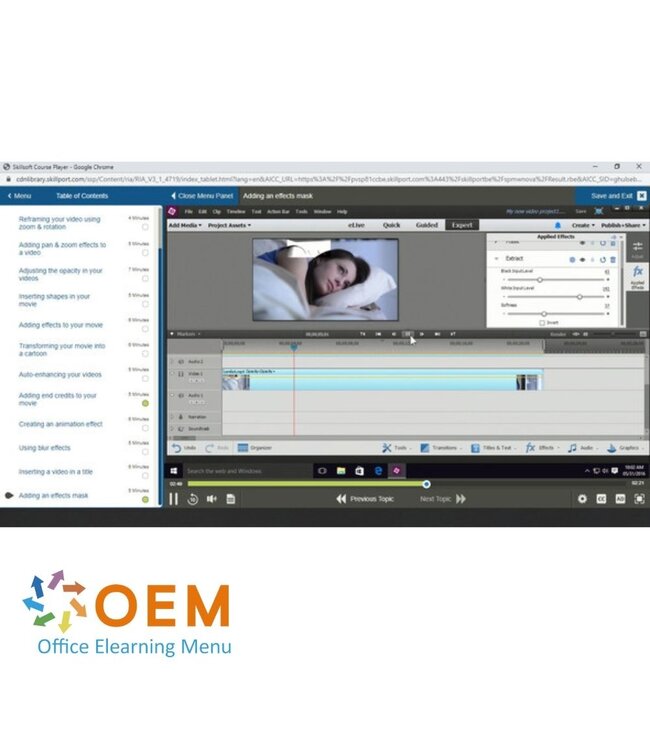
Order this great Adobe Premiere Elements 13 E-Learning course online and enjoy 1 year of 24/7 access to rich interactive videos, voice-guided instructions, hands-on assignments, and progress monitoring through reports. Each topic includes a test to directly assess your knowledge. Upon completion, you’ll receive a certificate of participation.
Adobe Premiere Elements 13 is a media management and video editing application with two modules: the Organizer, which helps you manage your audio, video, and images, and the Video Editor, which enables you to create polished video productions using built-in effects and presets.
Why Choose This Training?
Learn the full power of Premiere Elements 13 for media and video editing
Practice-oriented learning with video instruction and quizzes
1 year of unlimited 24/7 access to the e-learning platform
Includes progress tracking and certificate of participation
Create professional-quality videos—even with no prior experience
Who Should Attend?
Beginner video editors looking for fast results
Content creators, marketers, and communications professionals
Teachers and students creating educational or creative projects
Anyone wanting to start editing videos easily and effectively
Demo Adobe Premiere Elements 13 Course E-Learning
Course content
Adobe Premiere Elements 13 Essentials
Course: 40 Minutes
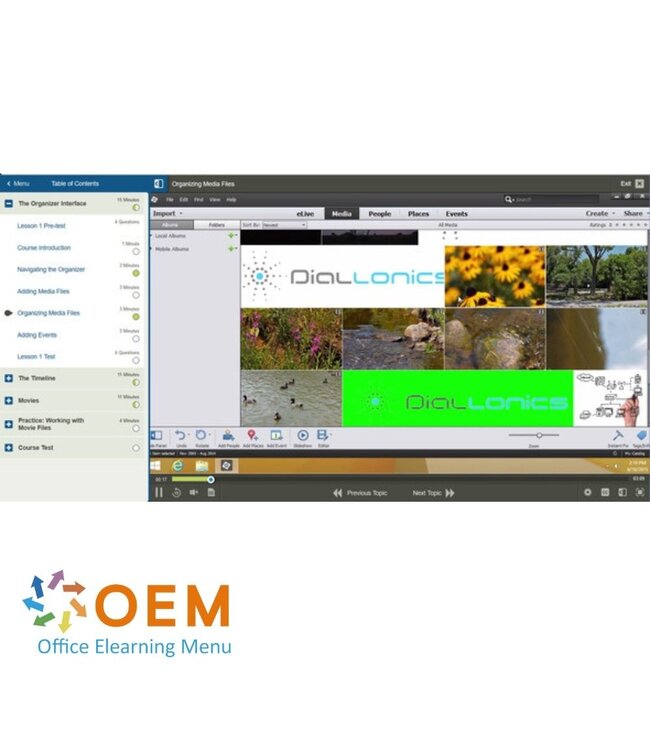
Course Introduction
Navigating the Organizer
Adding Media Files
Organizing Media Files
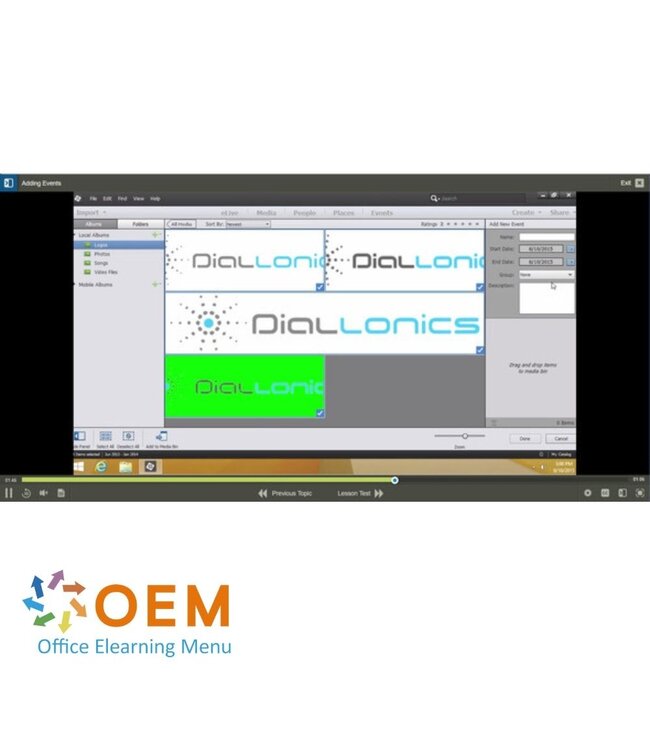
Adding Events
Adobe Premiere Elements 13: Getting Started
Course: 27 Minutes
Opening a project
Navigating the interface
Reorganizing your workspace
Customizing your keyboard shortcuts
Freeing up space on your hard drive
Adobe Premiere Elements 13: Importing Files & Setting Up a Project
Course: 24 Minutes
Importing files
Saving a project
Navigating your movie
Filtering & sorting your media files
Organizing your project files
Adobe Premiere Elements 13: Trimming & Editing a Video
Course: 1 Hour, 4 Minutes
Inserting markers
Adding different file types
Adding & removing tracks
Trimming video clips
Changing the duration of your movie
Inserting transitions
Marking your favorite moments
Restoring your edits
Using Smart Trim
Creating an Instant Movie
Creating a Video Story
Adobe Premiere Elements 13: Adding Video Effects
Course: 1 Hour, 15 Minutes
Creating fast & slow-motion effects
Creating a picture-in-picture overlay
Reframing your video using zoom & rotation
Adding pan & zoom effects to a video
Adjusting the opacity in your videos
Inserting shapes in your movie
Adding effects to your movie
Transforming your movie into a cartoon
Auto-enhancing your videos
Adding end credits to your movie
Creating an animation effect
Using blur effects
Inserting a video in a title
Adding an effects mask
Adobe Premiere Elements 13: Project Audio Settings
Course: 40 Minutes
Adding an audio track
Unlinking audio & video
Adding music scores & sound effects
Recording narration6
Adding audio effects
Mixing audio tracks
Modifying the volume of audio tracks
Adobe Premiere Elements 13: Exporting & Sharing Videos
Heeft u vragen over dit product of hulp nodig bij het bestellen? Onze AI-chatbot is 24/7 beschikbaar, of neem contact op via [email protected] of bel +31 36 760 1019
Related IT Training & Courses and More
Vragen over dit product?
Heeft u vragen over dit product of hulp nodig bij het bestellen? Onze AI-chatbot is 24/7 beschikbaar, of neem contact op via [email protected] of bel +31 36 760 1019
Wij gebruiken functionele en analytische cookies om onze website goed te laten werken en het gebruik ervan te meten met Google Analytics. Er worden geen persoonsgegevens gedeeld voor advertentiedoeleinden. Meer informatie vindt u in ons privacybeleid. Door op "Accepteren" te klikken geeft u toestemming voor het plaatsen van deze cookies.
Manage cookies