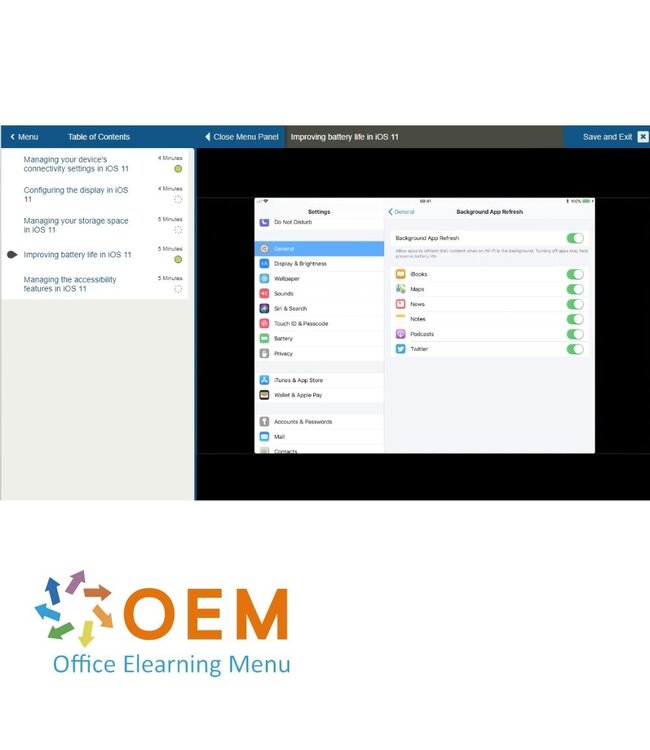
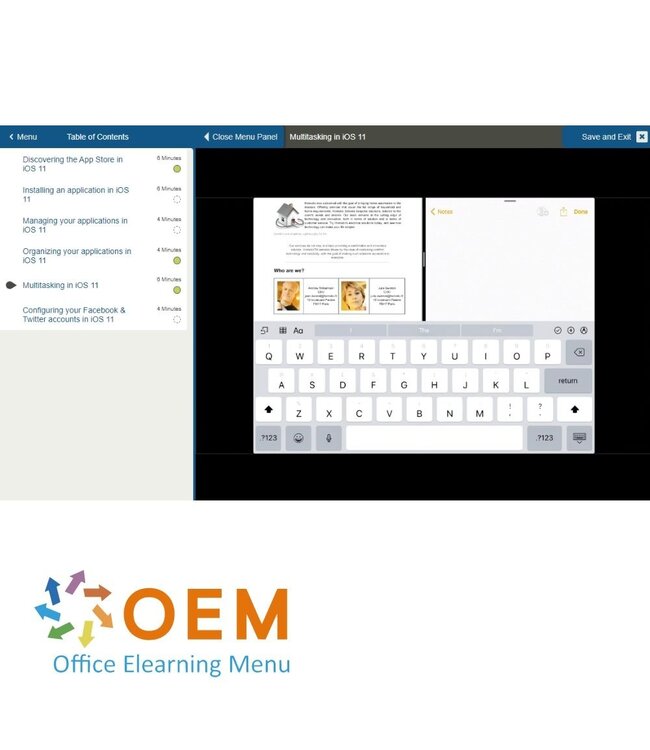
Course Fundamentals of iOS 11 - Online E-Learning Training. Order and start immediately for the best price.
Read more.
Make a choice
Officieel erkend testcentrum Online of fysiek examen afnemen
Bekroonde e-learning Inclusief proefexamens en 24/7 begeleiding
ISO 9001 & 27001 werkwijze 2.500+ organisaties gingen u voor
Maatwerk & gratis nulmeting Altijd op het juiste niveau gestart
Product description
Fundamentals of iOS 11 E-Learning
Order this amazing E-Learning Course "Fundamentals of iOS 11" online! ✔️ 1 year of 24/7 access to rich interactive videos, voice instruction, practical assignments, and progress tracking through reports. ✔️ Learn the fundamentals of iOS 11 and start developing apps for iPhone and iPad!
Why choose this training?
The iOS 11 development environment offers powerful tools and features for building modern apps for Apple devices. In this course, you’ll learn the fundamentals of developing apps with iOS 11. You'll receive a thorough introduction to iOS development and the essential tools like Xcode and Swift, which you’ll need to build and expand iOS apps.
What you will learn:
iOS 11 Fundamentals: Get acquainted with the features of iOS 11 and learn how to develop apps for the latest Apple devices.
Xcode and Interface Builder: Learn how to use Xcode and Interface Builder to design and develop apps.
Swift Programming: Build your skills in the Swift programming language—the core language for iOS development.
Autolayout and UI Elements: Understand how to structure your app layouts with responsiveness across different screen sizes.
Debugging and Testing: Learn how to fix bugs and test your apps to ensure they function well across various devices.
By the end of this course, you’ll be able to build simple iOS apps and establish a solid foundation for more advanced app development.
Who should take this course?
This training is perfect for:
Beginner iOS developers who want to learn how to create iOS apps using Xcode and Swift.
Software developers looking to branch into iOS development and explore Apple’s tools and techniques.
Mobile app developers who want to enhance their existing skills by learning the latest iOS 11 features.
Technology enthusiasts interested in building apps for Apple devices.
Demo Fundamentals of iOS 11 Training
Course content
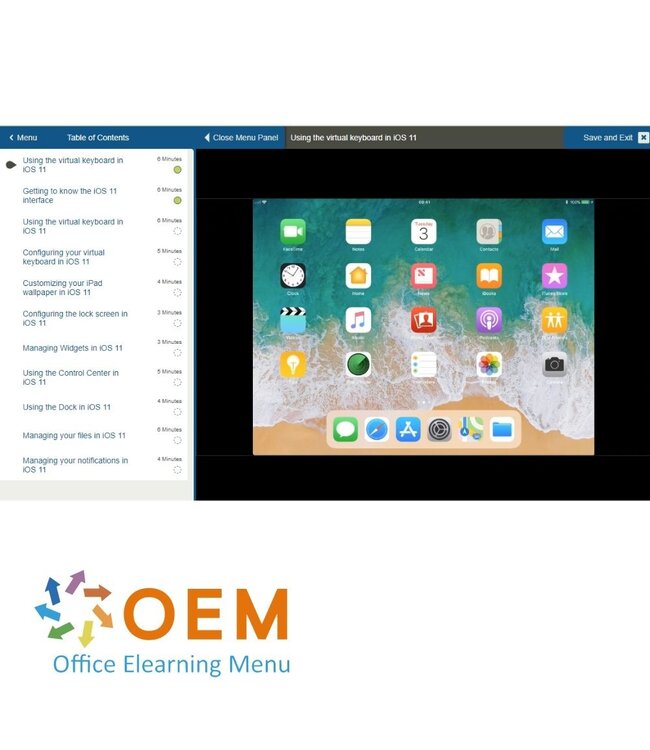
iOS 11: Setting Up & Using your iPad
Course: 51 Minutes
Using the touch screen
Getting to know the iOS 11 interface
Using the virtual keyboard
Configuring your virtual keyboard
Customizing your iPad wallpaper
Configuring the lock screen
Managing Widgets
Using the Control Center
Using the Dock
Managing your files
Managing your notifications
iOS 11: Installing & Managing your iPad Apps
Course: 30 Minutes
Discovering the App Store
Installing an application
Managing your applications
Organizing your applications
Multitasking in iOS
Configuring your Facebook & Twitter accounts
iOS 11: Using your iPad Communication Tools
Course: 42 Minutes
Adding an email account
Reading an emai
Sending an email
Organizing your emails
Configuring your email
Getting around the address book
Adding a contact
Using Facetime
iOS 11: Using the iPad Notes & Calendar Tools
Course: 54 Minutes
Creating a note
Creating a handwritten note
Formatting a note
Illustrating your notes
Creating a table
Collaborating on notes
Scanning a document
Using the Calendar application
Adding or editing an event in your calendar
Using the Reminders application
Using the Clock app
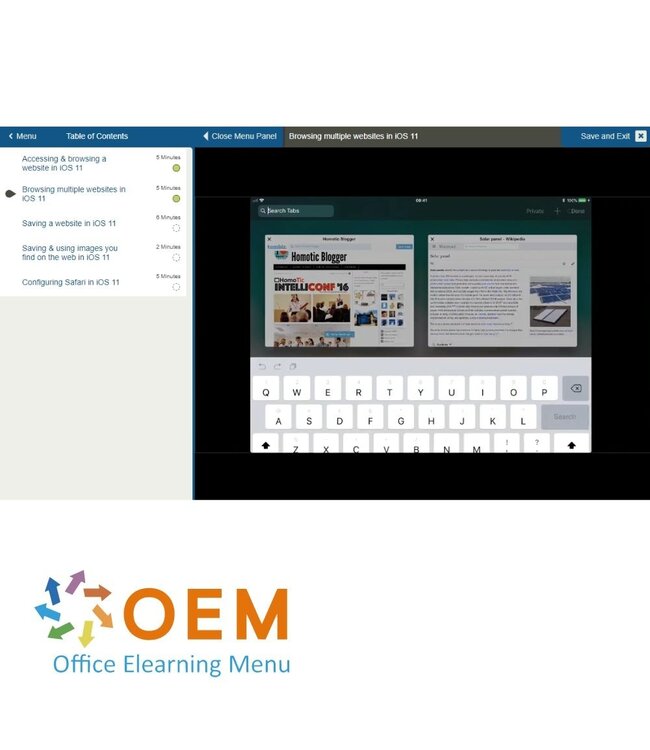
iOS 11: Using Safari for iPad
Course: 23 Minutes
Accessing & browsing a website
Browsing multiple websites
Saving a website
Saving & using images you find on the web
Configuring Safari
iOS 11: Using the iPad Camera & Photo Tools
Course: 41 Minutes
Using the iPad camera
Using the advanced camera features
Using the Photos app
Editing & retouching photos
Using albums
Creating albums
Creating a slideshow
Using & sharing photos
iOS 11: Listening to Music & Podcasts on your iPad
Course: 31 Minutes
Browsing your music
Listening to music
Organizing your music
Configuring your music settings
Using the Podcasts app Managing your Podcasts
iOS 11: Finding and Sharing Information with your iPad
Heeft u vragen over dit product of hulp nodig bij het bestellen? Onze AI-chatbot is 24/7 beschikbaar, of neem contact op via [email protected] of bel +31 36 760 1019
Heeft u vragen over dit product of hulp nodig bij het bestellen? Onze AI-chatbot is 24/7 beschikbaar, of neem contact op via [email protected] of bel +31 36 760 1019
Wij gebruiken functionele en analytische cookies om onze website goed te laten werken en het gebruik ervan te meten met Google Analytics. Er worden geen persoonsgegevens gedeeld voor advertentiedoeleinden. Meer informatie vindt u in ons privacybeleid. Door op "Accepteren" te klikken geeft u toestemming voor het plaatsen van deze cookies.
Manage cookies