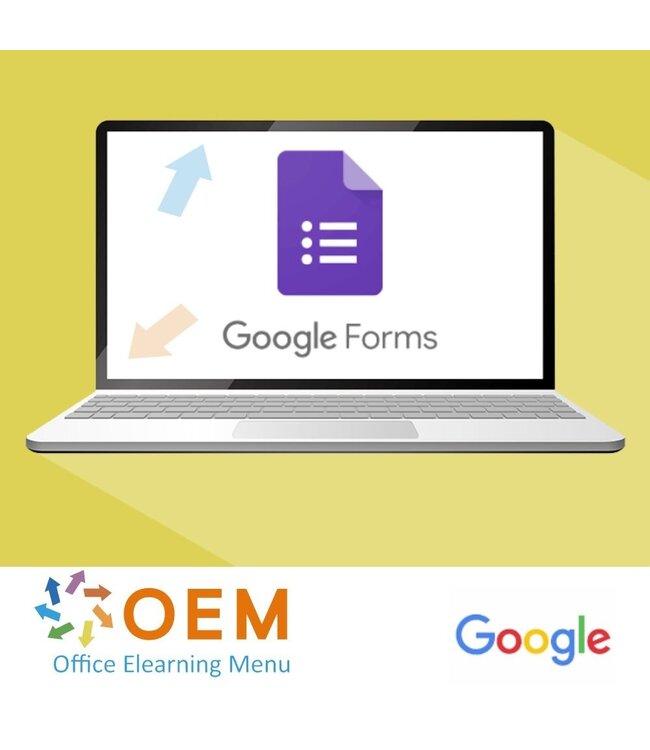
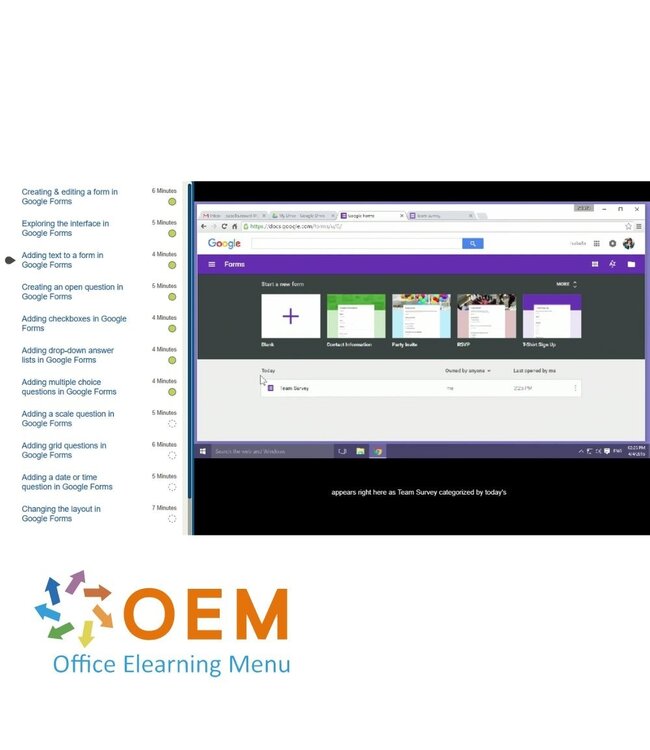
Order now and start the best online E-Learning course Google Forms today. 365 days of training when it suits you.
Read more.
Make a choice
Officieel erkend testcentrum Online of fysiek examen afnemen
Bekroonde e-learning Inclusief proefexamens en 24/7 begeleiding
ISO 9001 & 27001 werkwijze 2.500+ organisaties gingen u voor
Maatwerk & gratis nulmeting Altijd op het juiste niveau gestart
Product description
Google Forms Course E-Learning
Learn how to use Google Forms to quickly create and manage forms, surveys and quizzes. Our award-winning e-learning course helps you harness the power of Google Forms for both business and personal purposes. Whether you are collecting feedback, analysing data or creating a quiz, this course will help you get started efficiently and professionally.
What to expect.
Award-winning E-Learning Course: Learning materials developed by certified experts using the latest features of Google Forms.
Comprehensive Interactive Videos: Clear explanations, step-by-step instructions and realistic examples.
Practical Exercises: Immediately apply what you learn in creating forms and surveys.
Certified Tutors: Expert guidance to help you get the most out of Google Forms.
Certificate of Completion: Showcase your new skills and increase your professional opportunities.
What will you learn?
Create and customise forms with different question types (multiple choice, text, lists, etc.).
Collect data and analyse the results in Google Sheets.
Integrate Google Forms with other Google Workspace tools such as Gmail and Drive.
Share forms with others and collaborate on responses.
Advanced settings such as validation, logic and custom themes.
Who is this course for?
Professionals who want to collect data through forms or surveys.
Teams that want to receive feedback or reviews from employees or customers.
Students or companies who want to create online quizzes or tests.
Demo Google Forms Course E-Learning
Course content
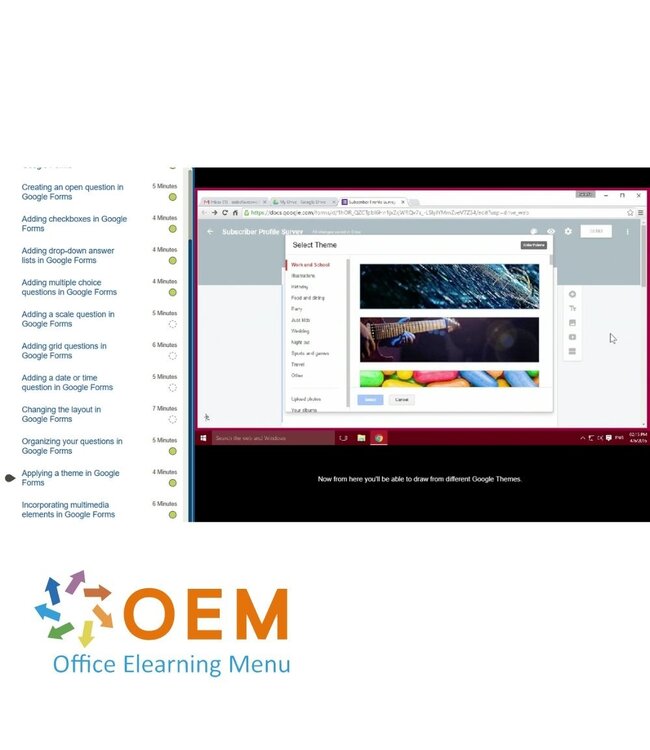
Google Forms: Creating Forms
Course: 1 Hour, 15 Minutes
Creating & editing a form
Exploring the interface
Adding text to a form
Creating an open question
Adding checkboxes
Adding drop-down answer lists
Adding multiple choice questions
Adding a scale question
Adding grid questions
Adding a date or time question
Changing the layout
Organizing your questions
Applying a theme
Incorporating multimedia elements
Configuring your form
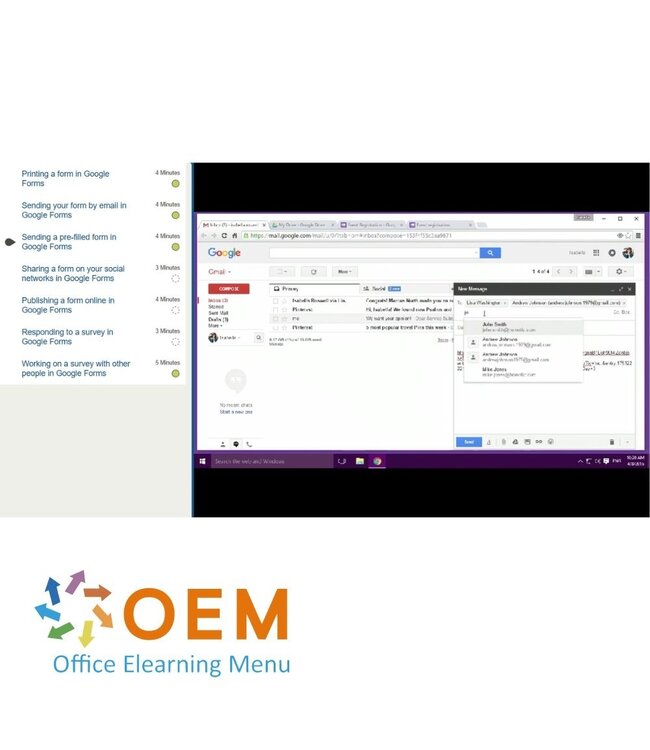
Google Forms: Sharing & Completing Forms
Course: 28 Minutes
Printing a form
Sending your form by email
Sending a pre-filled form
Sharing a form on your social networks
Publishing a form online
Responding to a survey
Working on a survey with other people
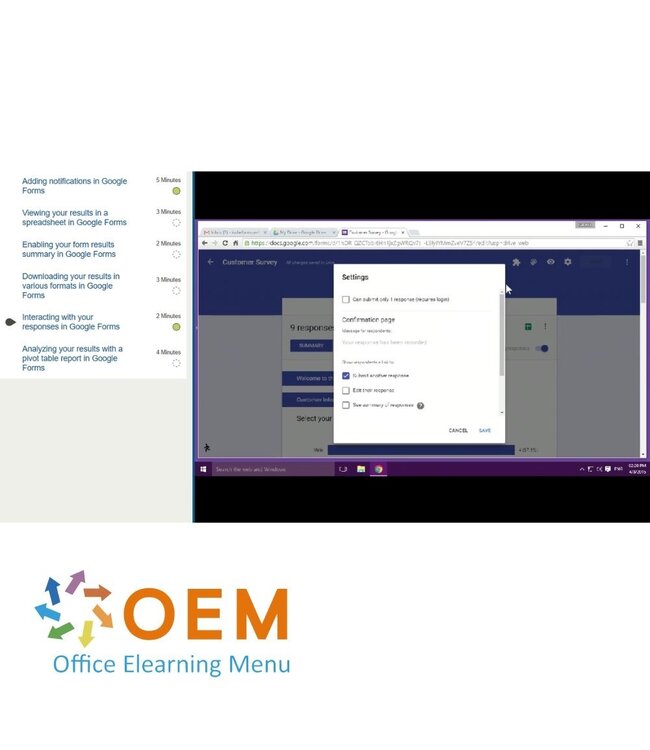
Google Forms: Viewing & Analyzing Results
Course: 20 Minutes
Adding notifications
Viewing your results in a spreadsheet
Enabling your form results summary
Downloading your results in various formats
Interacting with your responses
Analyzing your results with a pivot table report
Ready to make your forms efficient?
✔️ Book your Google Forms Course now and get instant access to all modules!
Click the "Register ’ button and start learning today.
100% secure booking - start at your own pace and improve your digital skills!
Heeft u vragen over dit product of hulp nodig bij het bestellen? Onze AI-chatbot is 24/7 beschikbaar, of neem contact op via [email protected] of bel +31 36 760 1019
Heeft u vragen over dit product of hulp nodig bij het bestellen? Onze AI-chatbot is 24/7 beschikbaar, of neem contact op via [email protected] of bel +31 36 760 1019
Wij gebruiken functionele en analytische cookies om onze website goed te laten werken en het gebruik ervan te meten met Google Analytics. Er worden geen persoonsgegevens gedeeld voor advertentiedoeleinden. Meer informatie vindt u in ons privacybeleid. Door op "Accepteren" te klikken geeft u toestemming voor het plaatsen van deze cookies.
Manage cookies