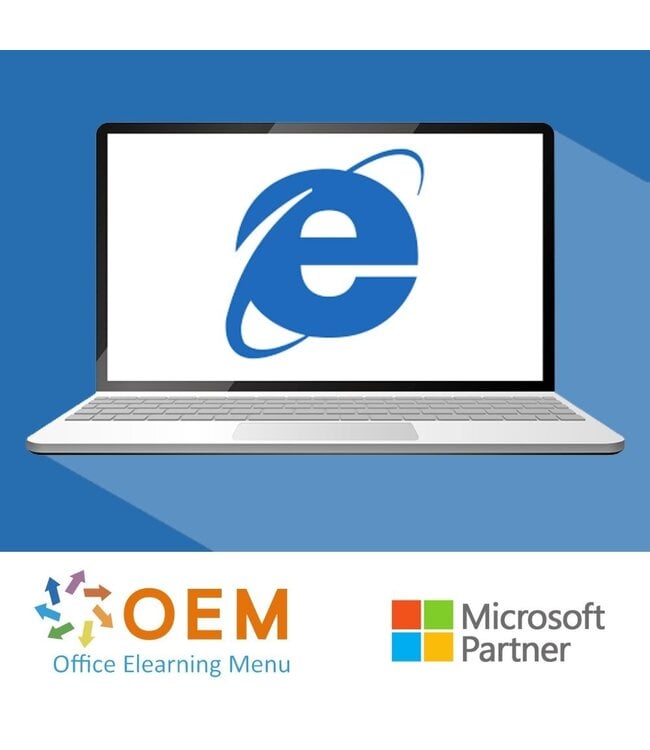
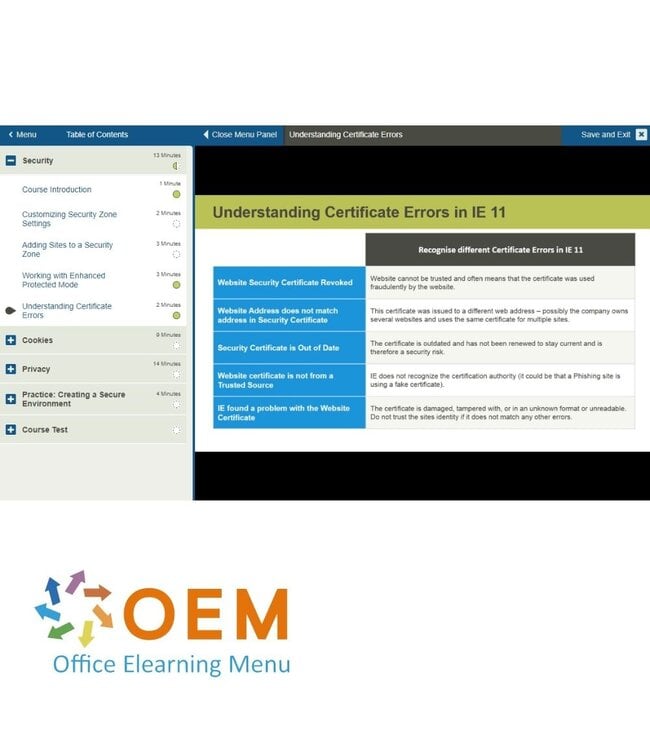
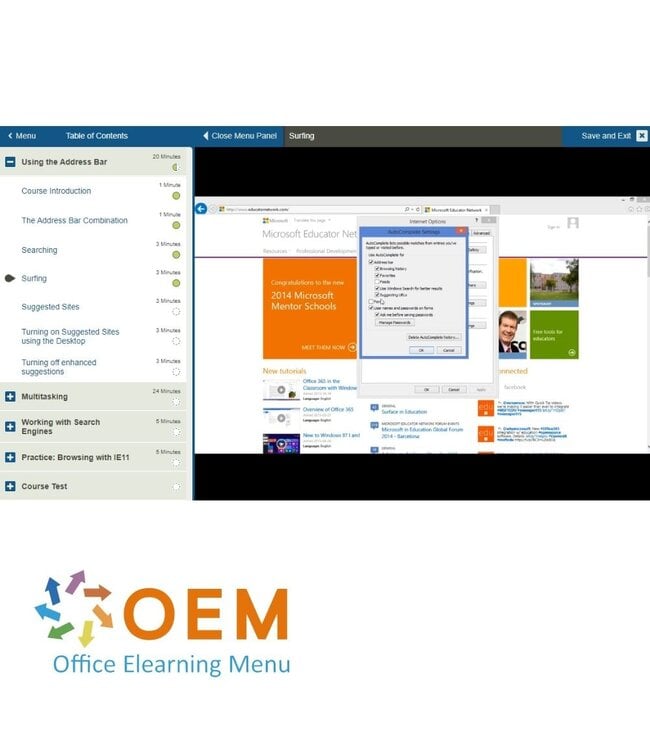
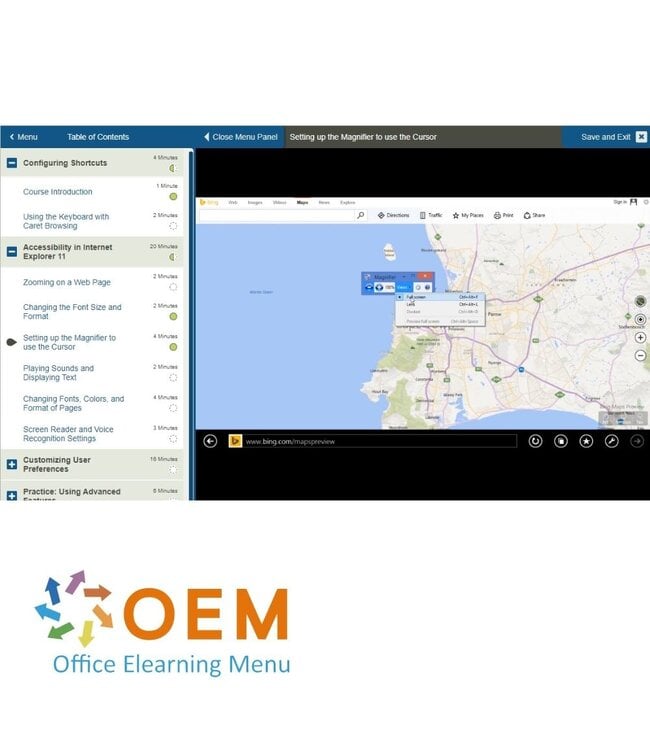
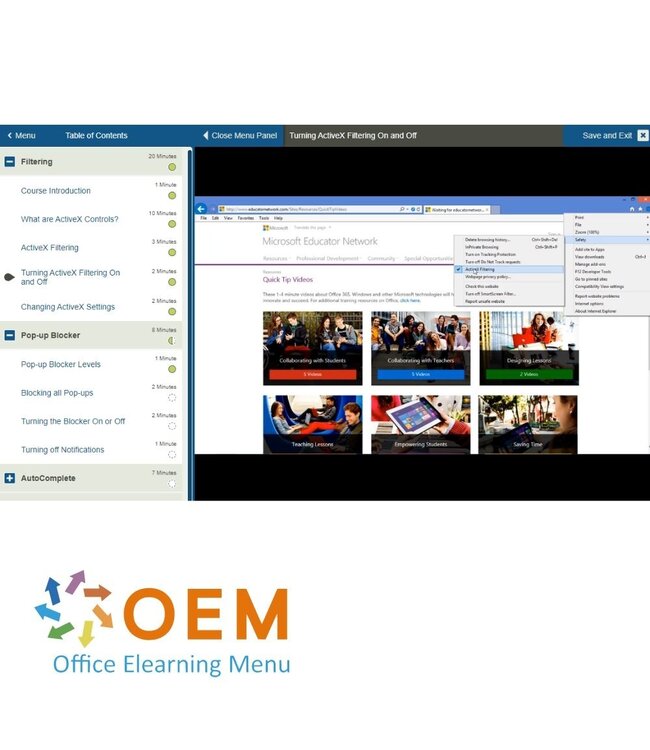
Training Using Internet Explorer 11 - Online E-Learning Course. Order and start immediately for the best price.
Read more.
Make a choice
Officieel erkend testcentrum Online of fysiek examen afnemen
Bekroonde e-learning Inclusief proefexamens en 24/7 begeleiding
ISO 9001 & 27001 werkwijze 2.500+ organisaties gingen u voor
Maatwerk & gratis nulmeting Altijd op het juiste niveau gestart
Product description
Using Internet Explorer 11 Training
Order this great Using Internet Explorer 11 E-Learning Training and get 1 full year of 24/7 access to rich interactive videos, voice-guided lessons, hands-on practice assignments, and progress tracking through reports. Upon course completion, you will receive a certificate of participation.
This course helps you explore and use Internet Explorer 11, a fast and user-friendly desktop browser. You’ll learn how to manage tabs, bookmarks, settings, browsing history, and safety features. Perfect for those who want to understand and use IE11 confidently and effectively.
Why Choose This Training?
Learn how to use Internet Explorer 11 with ease
Great for beginners or anyone needing a refresher
1 year of full access to interactive, self-paced content
Includes audio instructions, hands-on tasks, and progress monitoring
Certificate of participation included
Who Should Attend?
Office workers and end-users using Internet Explorer 11
Seniors and computer novices who want to browse safely
Organizations with systems still running IE11
Anyone interested in mastering browser basics and settings
Demo Using Internet Explorer 11 Training
Course content
Exploring the Internet Explorer 11 Interface
Course: 15 Minutes
Course Introduction
First Look and GUI Enhancements
Internet Explorer 11 Icons and Functions
Creating Live Tiles for Sites
Enhancements and New Features
Course: 25 Minutes
Add-on Free Start Experience
Permanent and Unlimited Tabs
Multitasking with Tabs
Web Support to Render 3D Graphics
Snapping Mode for Multiple Apps
Favorites Center with Customized Imaged Bookmarks
Launching Internet Explorer 11
Course: 15 Minutes
Start App versus Desktop Version
Launching IE11 from the Start Screen and the Desktop
Using the Pin Option
Troubleshooting the Search Charm
Practice: Working with Internet Explorer 11
Course: 8 Minutes
Exercise: Work with Internet Explorer 11
Using the Address Bar
Course: 20 Minutes
Course Introduction
The Address Bar Combination
Searching
Surfing
Suggested Sites
Turning on Suggested Sites using the Desktop
Turning off enhanced suggestions
Multitasking
Course: 24 Minutes
Using Tabs for Efficient Browsing
Using Windows for Efficient Browsing
Switching between Tabs
Removing and Hiding Tabs
Working with Search Engines
Course: 5 Minutes
Changing the Default Search Provider
Practice: Browsing with IE11
Course: 5 Minutes
Exercise: Configure Browser Settings
Working with History and Default Settings
Course: 8 Minutes
Course Introduction
Setting Internet Explorer 11 as the Default Browser
Deleting Browsing History
Migrating Previous Version Content
Course: 7 Minutes
Installing Java on the Internet Explorer 11 Desktop
Heeft u vragen over dit product of hulp nodig bij het bestellen? Onze AI-chatbot is 24/7 beschikbaar, of neem contact op via [email protected] of bel +31 36 760 1019
Related IT Training & Courses and More
Vragen over dit product?
Heeft u vragen over dit product of hulp nodig bij het bestellen? Onze AI-chatbot is 24/7 beschikbaar, of neem contact op via [email protected] of bel +31 36 760 1019
Wij gebruiken functionele en analytische cookies om onze website goed te laten werken en het gebruik ervan te meten met Google Analytics. Er worden geen persoonsgegevens gedeeld voor advertentiedoeleinden. Meer informatie vindt u in ons privacybeleid. Door op "Accepteren" te klikken geeft u toestemming voor het plaatsen van deze cookies.
Manage cookies