Visio 2019 Award-winning E-Learning course Extensive interactive videos with spoken text Certified teachers Practical exercises Certificate.
Read more.
Make a choice
Officieel erkend testcentrum Online of fysiek examen afnemen
Bekroonde e-learning Inclusief proefexamens en 24/7 begeleiding
ISO 9001 & 27001 werkwijze 2.500+ organisaties gingen u voor
Maatwerk & gratis nulmeting Altijd op het juiste niveau gestart
Product description
Visio 2019 Course E-Learning
Order this amazing, award-winning Microsoft Visio 2019 E-Learning course online and enjoy 1 full year of 24/7 access to extensive interactive videos, voice-guided instruction, hands-on exercises, and progress tracking. Upon completion, you’ll receive a certificate of attendance.
This course teaches you how to create and manage professional diagrams, flowcharts, network diagrams, organizational charts, and process models using Visio 2019. You'll work with templates, shapes, connectors, and data integration to visualize complex information clearly and effectively.
Why Choose This Training?
One full year of unlimited access to interactive learning content
Hands-on exercises and step-by-step explanations
Learn to communicate ideas and processes visually
Ideal for business, IT, engineering, and education professionals
Certificate of attendance included upon completion
Who Should Attend?
Project managers, process analysts, and system architects
IT professionals, planners, and administrative staff
Educators and students in technical or business fields
Anyone looking to master Microsoft Visio 2019 for professional diagramming
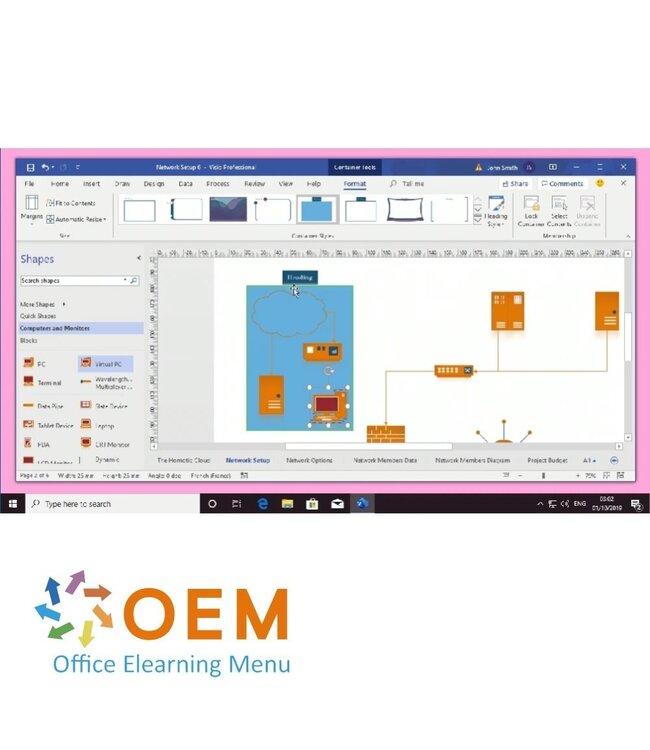
Demo Visio 2019 Course E-Learning
Course content
Visio Professional 2019: Exploring the interface
Course: 33 Minutes
Finding & opening the application
Exploring the interface
Using the zoom function
Moving between multiple documents
Changing your document display
Customizing the appearance
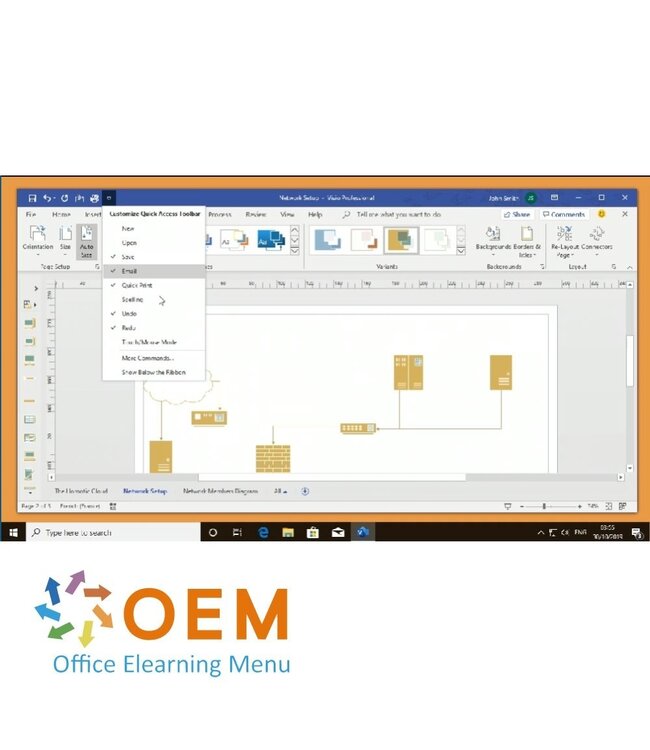
Customizing the toolbar
Customizing the ribbon
Configuring the save settings
Visio Professional 2019: Saving & formatting documents
Course: 42 Minutes
Finding & opening the application
Exploring the interface
Using the zoom function
Moving between multiple documents
Changing your document display
Customizing the appearance
Customizing the toolbar
Customizing the ribbon
Configuring the save settings
Visio Professional 2019: Inserting & Formatting Text
Course: 24 Minutes
Inserting elements
Formatting elements
Finding and replacing text
Using the spell check
Adjusting language settings
Creating a template
Visio Professional 2019: Using & Formating Shapes
Course: 40 Minutes
Adding shapes
Adding predefined shapes
Creating a personalized stencil group
Performing a shape search
Arranging shapes on a page
Formatting your shapes
Applying effects to shapes
Using layers
Connecting items on your diagram
Creating a container to highlight shapes
Using shape data
Visio Professional 2019: illustrating & Enhancing Documents
Course: 39 Minutes
Inserting data fields
Inserting Illustrations
Inserting links
Inserting a link to a page or document
Inserting an object
Annotating a page
Importing shape data from Excel & other sources
Formatting imported data
Using advanced data graphics
Visio Professional 2019: Analyzing your data
Course: 32 Minutes
Inserting a chart
Formatting your chart
Inserting a PivotTable
Editing a Pivot Diagram
Formatting your Pivot Diagram
Generating diagram reports
Exporting a diagram to a Word file
Visio Professional 2019: Creating Flowcharts, Maps & Plans
Course: 49 Minutes
Inserting a CAD Drawing
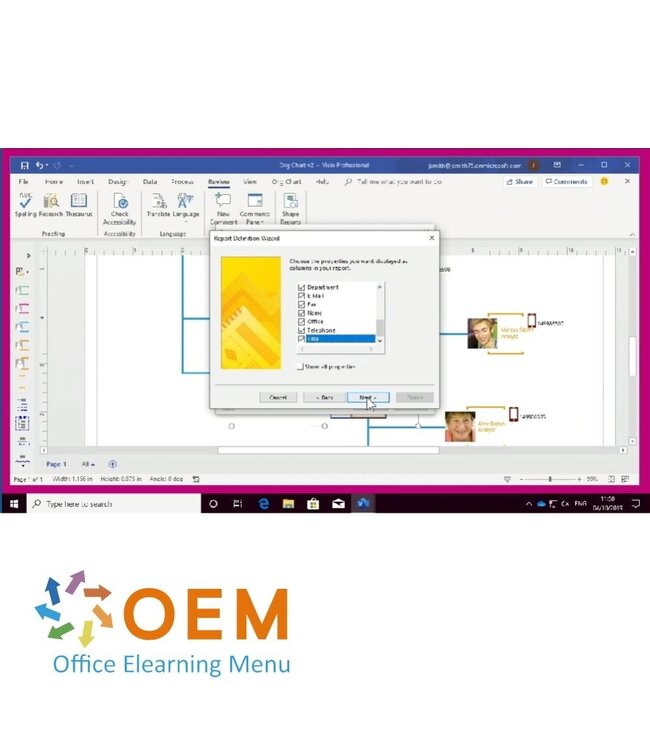
Creating an organization chart
Editing an organization chart
Comparing two versions of your chart
Creating floor plans
Creating a network diagram
Creating a calendar
Creating a Data Visualizer flowchart
Editing a Data Visualizer flowchart
Create a BPMN diagram
Export a BPMN diagram to Microsoft Flow
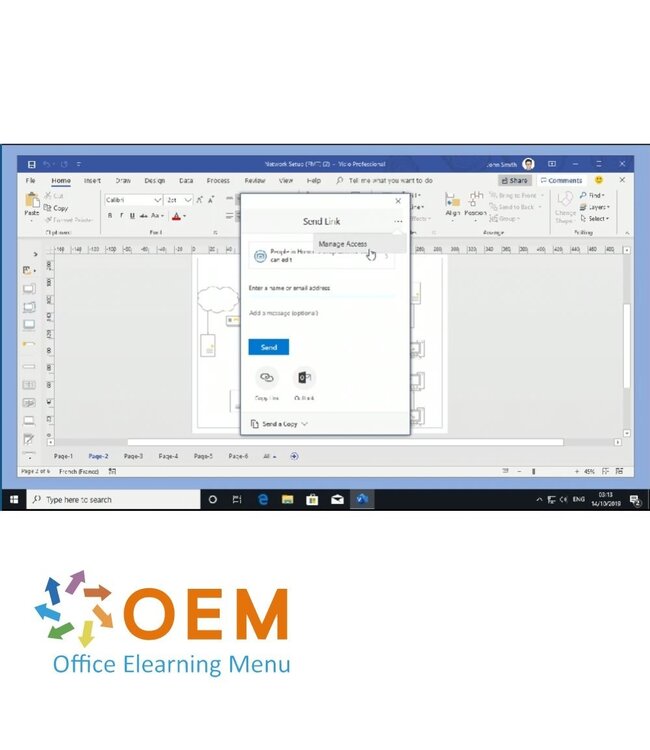
Visio Professional 2019: Sharing & Collaborating on a Document
Heeft u vragen over dit product of hulp nodig bij het bestellen? Onze AI-chatbot is 24/7 beschikbaar, of neem contact op via [email protected] of bel +31 36 760 1019
Related IT Training & Courses and More
Vragen over dit product?
Heeft u vragen over dit product of hulp nodig bij het bestellen? Onze AI-chatbot is 24/7 beschikbaar, of neem contact op via [email protected] of bel +31 36 760 1019
Wij gebruiken functionele en analytische cookies om onze website goed te laten werken en het gebruik ervan te meten met Google Analytics. Er worden geen persoonsgegevens gedeeld voor advertentiedoeleinden. Meer informatie vindt u in ons privacybeleid. Door op "Accepteren" te klikken geeft u toestemming voor het plaatsen van deze cookies.
Manage cookies