Order now and start the best online E-Learning course Google Team Drives today. 365 days of training when it suits you.
Read more.
Make a choice
Officieel erkend testcentrum Online of fysiek examen afnemen
Bekroonde e-learning Inclusief proefexamens en 24/7 begeleiding
ISO 9001 & 27001 werkwijze 2.500+ organisaties gingen u voor
Maatwerk & gratis nulmeting Altijd op het juiste niveau gestart
Product description
Google Team Drives Course E-Learning
In this online Google Team Drives E-Learning course, you'll become familiar with the powerful features of Google Team Drives (Shared Drives) in Google Workspace. This training will help you collaborate efficiently in a structured, cloud-based team environment.
You’ll learn how to:
Create new Team Drives
Import and develop documents collaboratively
Manage folders and file structures
Set and apply correct settings and permissions for seamless teamwork
This course is ideal for teams looking to centralize and secure their document management.
Why Choose This Training?
1-year 24/7 access to interactive, hands-on e-learning
Learn how to effectively use and manage Google Team Drives
Includes video tutorials, exercises, and practical examples
Designed to support collaboration in modern, hybrid work teams
Comes with a certificate of participation
Who Should Attend?
Team members and project groups looking to centralize file management
IT professionals managing or implementing Google Team Drives
Departments like HR, Marketing, and Communications sharing content in teams
Google Workspace users seeking better collaboration workflows
Anyone needing secure and organized file sharing in an organization
Demo Google Team Drives Course E-Learning
Course content
Google Team Drives: Using the Storage Tools
Course: 1 Hour, 14 Minutes
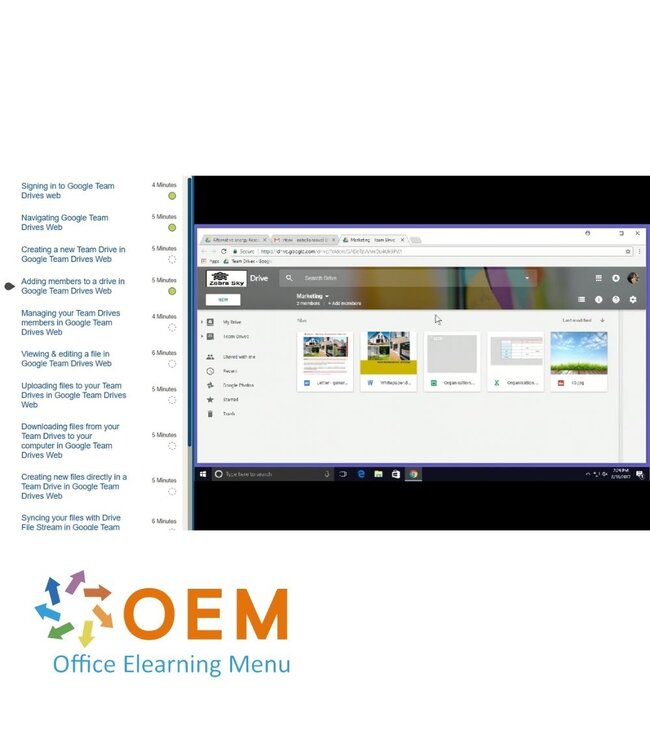
Signing in to Google Team Drives
Navigating Team Drives
Creating a new Team Drive
Adding members to a drive
Managing your Team Drives members
Viewing & editing a file
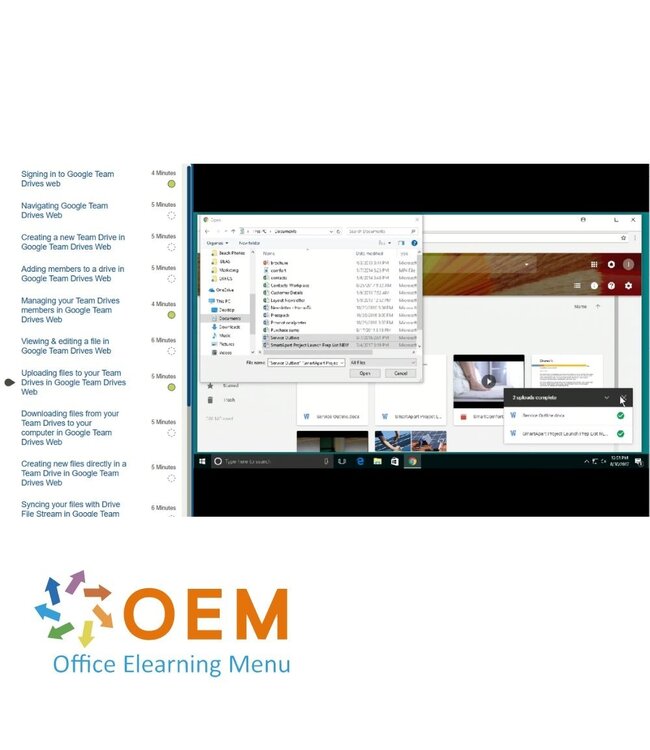
Uploading files to your Team Drives
Downloading files from your Team Drives to your computer
Creating new files directly in a Team Drive
Creating a document template
Converting a file
Editing your documents in offline mode
Sharing files
Sharing a file via a link
Finding files shared with you
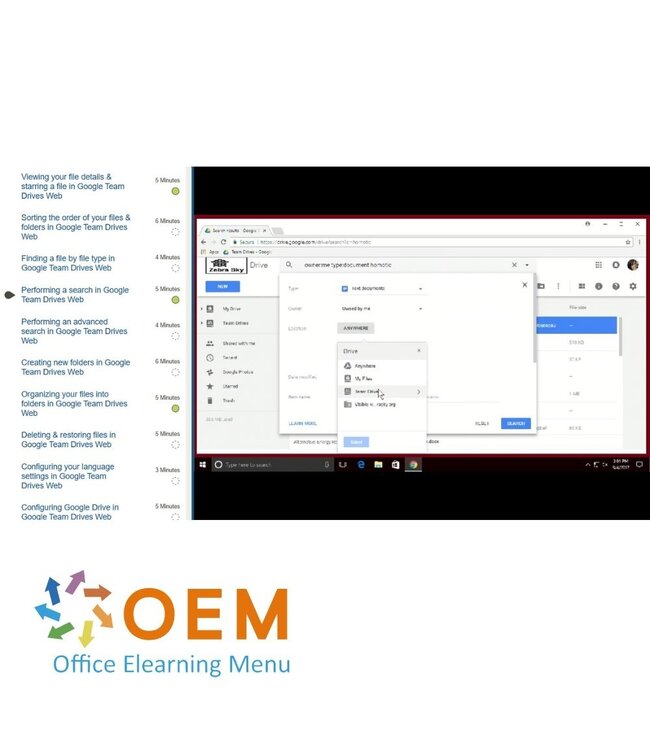
Google Team Drives: Organizing Documents
Course: 49 Minutes
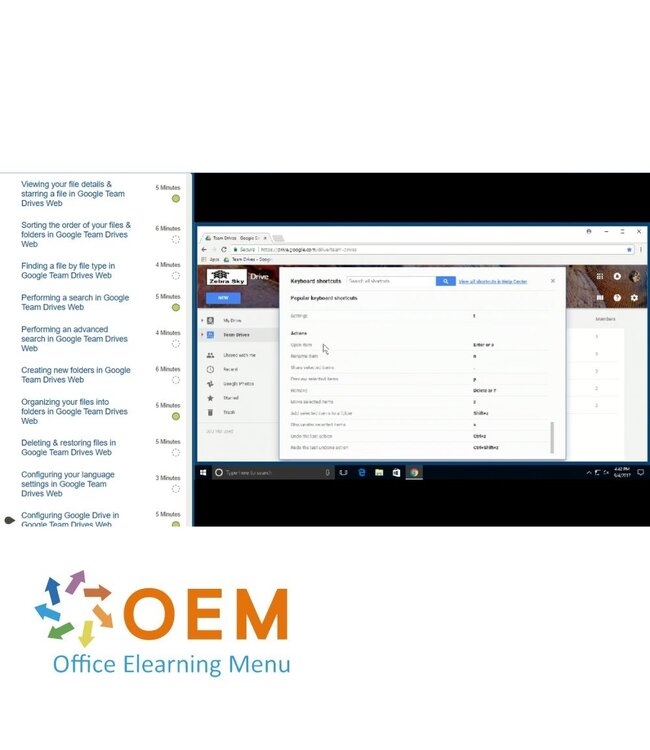
Viewing your file details & starring a file
Sorting the order of your files & folders
Finding a file by file type
Performing a search
Performing an advanced search
Creating new folders
Organizing your files into folders
Deleting & restoring files
Configuring your language settings
Configuring Google Drive
Google Team Drives: Using the Storage Tools
Course: 1 Hour, 27 Minutes
Signing in to Google Team Drives
Navigating Team Drives
Creating a new Team Drive
Adding members to a drive
Managing your Team Drives members
Viewing & editing a file
Uploading files to your Team Drives
Downloading files from your Team Drives to your computer
Heeft u vragen over dit product of hulp nodig bij het bestellen? Onze AI-chatbot is 24/7 beschikbaar, of neem contact op via [email protected] of bel +31 36 760 1019
Heeft u vragen over dit product of hulp nodig bij het bestellen? Onze AI-chatbot is 24/7 beschikbaar, of neem contact op via [email protected] of bel +31 36 760 1019
Wij gebruiken functionele en analytische cookies om onze website goed te laten werken en het gebruik ervan te meten met Google Analytics. Er worden geen persoonsgegevens gedeeld voor advertentiedoeleinden. Meer informatie vindt u in ons privacybeleid. Door op "Accepteren" te klikken geeft u toestemming voor het plaatsen van deze cookies.
Manage cookies