This e-learning guides you step by step through using Microsoft Project 2021 (Professional version) to plan, manage and successfully complete your projects. You work with realistic scenarios, so you can immediately apply your new skills in practice. No prior knowledge of Microsoft Project required. Available immediately after purchase, including an online course book. This course is also available as a SCORM package for your LMS.
This e-learning is ideal for project managers and planners, team leaders and coordinators, and anyone who manages or wants to manage projects with Microsoft Project. Also suitable for organisations that want to gain better control over time, resources and deadlines within their projects. No prior knowledge of Microsoft Project required.
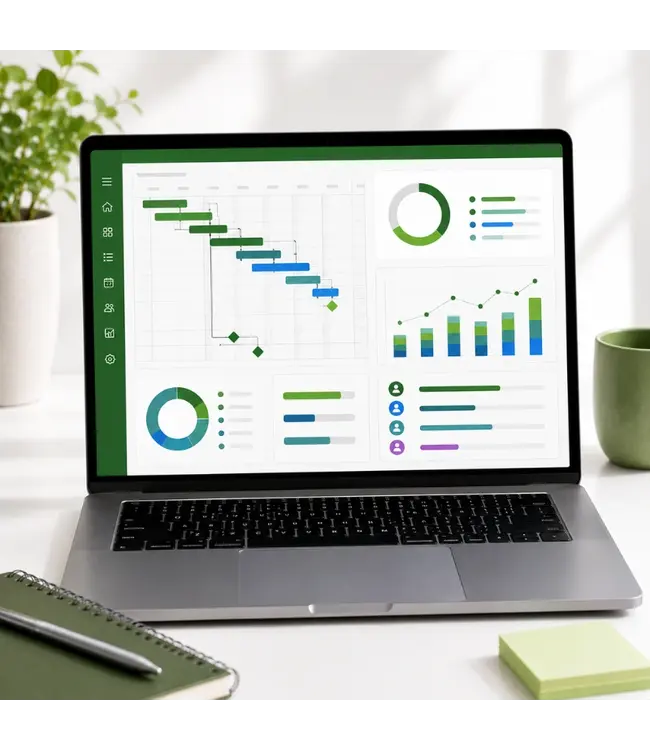
After this course, you will create professional project schedules, manage resources such as people, materials and costs effectively, track milestones, deadlines and budgets, identify dependencies, risks and bottlenecks, and report project progress clearly and visually using Gantt charts and timelines.
The course consists of interactive videos with step-by-step demos, totalling 2 hours and 43 minutes. After the course, you can practise on your own with downloadable exercise files, so you immediately apply what you have learned to your own projects. Includes an online course book as a reference work.
Module 1: Introduction. Content: getting to know Microsoft Project 2021 and the basic principles of project management.
Module 2: Project management. Content: fundamental principles of project management and the related logistical and financial constraints.
Module 3: File and project management. Content: opening, saving and managing project files, configuring project settings.
Module 4: Task-driven scheduling. Content: setting up a project schedule based on tasks, defining task dependencies.
Module 5: Task management. Content: creating, editing and organising tasks and milestones.
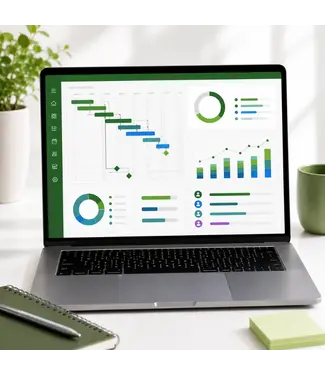
Module 6: Gantt chart. Content: working with the Gantt chart and timelines, adjusting the view to your schedule.
Module 7: Resource management. Content: adding and managing resources such as people and materials, configuring work schedules and calendar settings.
Module 8: Resource assignments. Content: assigning resources to tasks and optimising assignments.
Module 9: Table management. Content: customising and using tables to display project data clearly.
Module 10: Cost management. Content: managing resource and task costs, applying budget control.
Module 11: Tracking and monitoring. Content: measuring and adjusting task, resource and budget progress.
Module 12: Multiple projects. Content: working with multiple projects at once and managing them together.
Module 13: Conclusion. Content: summary of the features covered and next steps.
Extra: online course book for Microsoft Project 2021 as a complete reference work covering all features.
1 year of access to the complete e-learning course, 2 hours and 43 minutes of interactive videos with step-by-step demos, downloadable exercise files to practise on your own, an online course book as a reference work, an optional certificate of completion (PDF or printed). This course is also available as a SCORM package for your LMS, ready to integrate into Moodle, Totara, Cornerstone and all other SCORM-compatible systems. Prices available on request, request a free quote.
Want to visualise your project progress with dashboards too? Check out our Power BI training. For all our e-learning courses, visit our E-Learning category.
Do you have questions about this course? Our AI assistant Sanne is available 24/7 via the blue chat icon at the bottom right of our website. For personal advice, reach us at [email protected].